Asus router flaws allow admin access without a password
Asus released router firmware fixing three high-severity flaws, rated up to 8.7, that can give attackers admin access. How to update and what to do until you can.
LandGadget Newsroom · · 2 min read
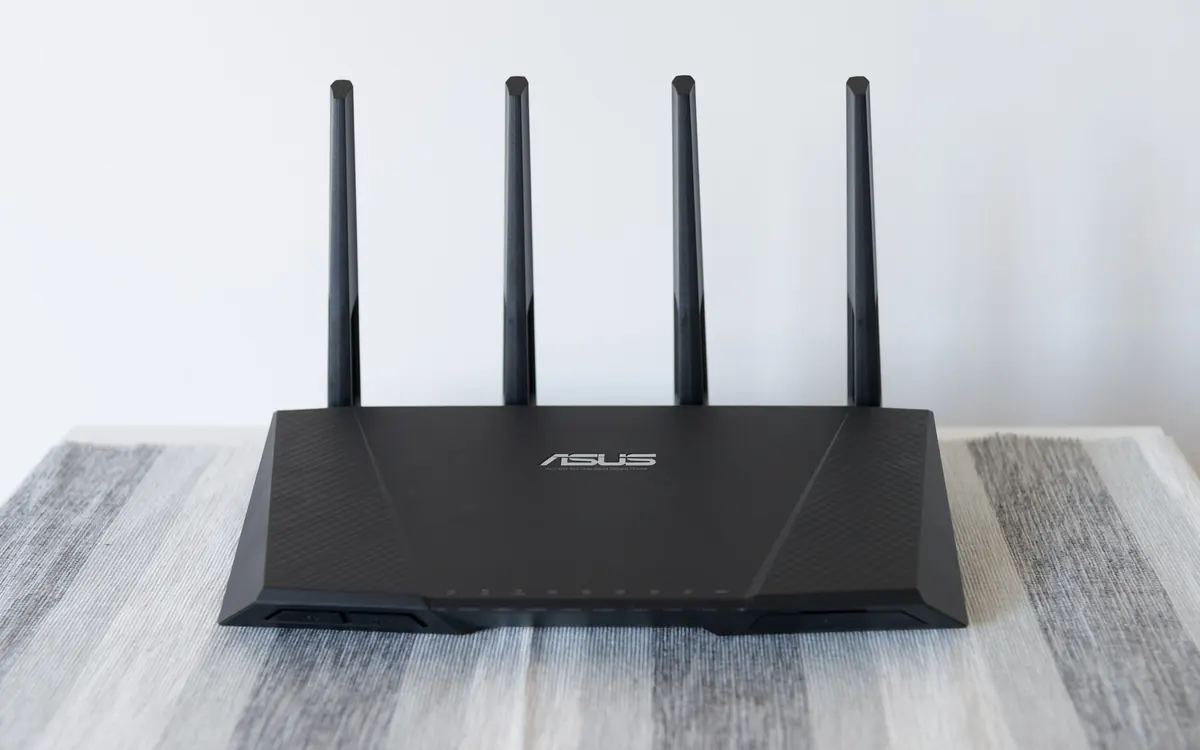
If there's an Asus router in your home, it's time to check for a firmware update. Asus has released new firmware that fixes three high-severity vulnerabilities which could let an attacker take administrative control of the router without a password, Notebookcheck reports, citing Asus's security advisory.
The three flaws
The vulnerabilities are rated on the newer CVSS 4.0 scale, where 10 is the most severe:
- CVE-2026-75775 (7.7, High) affects some models on the 3.0.0.6_102 firmware branch. Under specific conditions, an attacker on an adjacent network (for example, someone already connected to your Wi-Fi or local network) can get admin access without logging in.
- CVE-2026-75779 (8.6, High) requires the user to do something, such as clicking a link, but no prior privileges.
- CVE-2026-93489 (8.7, High) can be exploited by an unauthenticated attacker on an adjacent network with no user interaction at all.
Asus has not published a complete list of affected models or technical details of the last two flaws. There is also no word on whether the flaws are being exploited in the wild. That makes the advice simple: if you own any Asus router, install the latest firmware.
How to update
Open the router's web interface or the Asus Router app, go to the firmware section and check for updates. You can also download the newest firmware from the support page for your exact model on asus.com. Reboot the router after the update, as Asus recommends.
If you can't update yet
Asus suggests these temporary steps:
- Set strong, unique passwords of at least 10 characters for both the router's admin login and your Wi-Fi.
- Disable remote access from the WAN (the internet side), including remote web admin.
- Only let trusted devices join your network; a separate guest network helps here.
- Review the router settings and remove unfamiliar linked devices or app sessions.
Because two of the bugs need an attacker to be on the adjacent network, a strong Wi-Fi password and a guest network for visitors and smart gadgets go a long way. Our mesh Wi-Fi buying guide and Wi-Fi 7 explainer cover what to look for if your router no longer gets updates and it's time to replace it.
More from Smart Home
View all →Buying guide
Aqara Outdoor Plug H2 EU: Thread or Zigbee mode?
Read next

FreeSync vs G-Sync: which matters for your monitor?
FreeSync vs G-Sync explained: how variable refresh rate works, the tiers (Premium, Pro, Compatible, Ultimate), GPU and console support, and what to buy in 2026.

NASA's new Artemis plan: Earth-orbit test, landing in 2028
Artemis III becomes a 2027 Earth-orbit test with both commercial landers, and the first crewed landing moves to 2028 with whichever lander is ready first.

RTX Remix 1.6 adds DLSS 5, Minecraft beta and Windows on Arm
NVIDIA's RTX Remix 1.6 brings DLSS 5 neural rendering, up to 6x Multi Frame Generation, a Minecraft Java beta mod and Arm support for Portal RTX and more.