Kindle for Android now lets you handwrite notes in ebooks
Amazon's Kindle app for Android now supports handwritten notes with a stylus such as the S Pen: margin notes, sticky notes and canvases. iPad users wait for now.
LandGadget Newsroom · · 3 min read
On this page
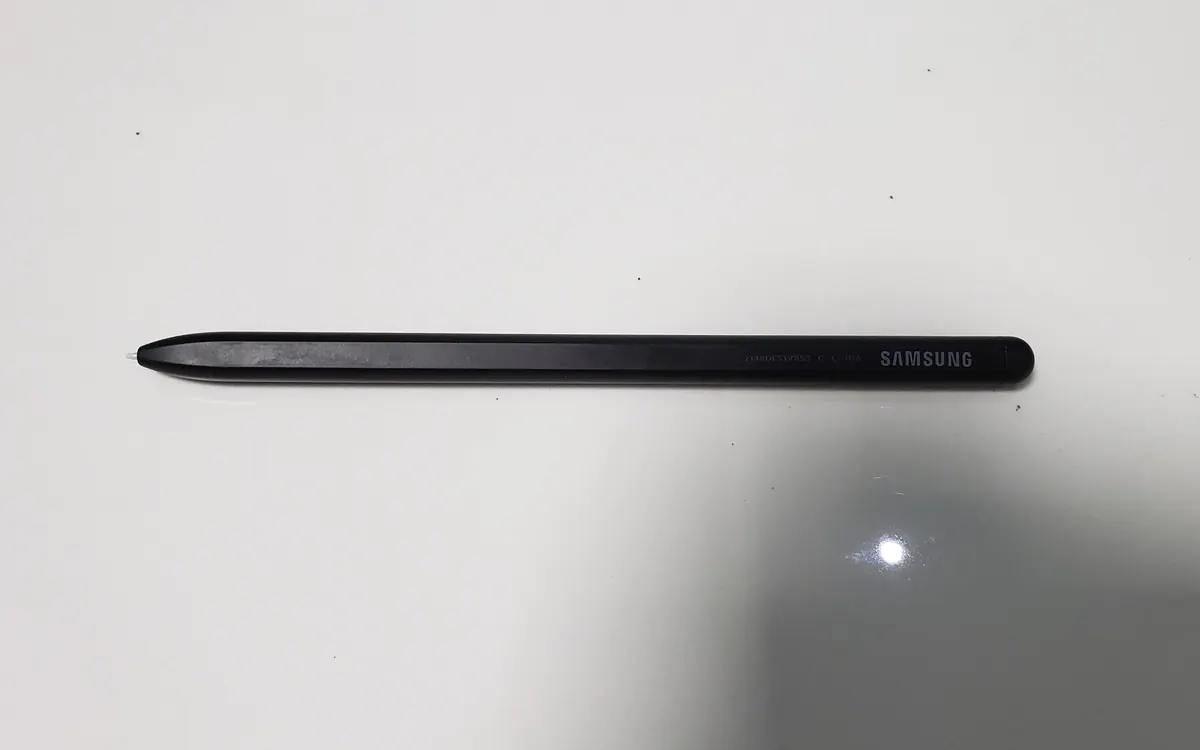
Handwriting in the margins of a book is no longer limited to Amazon's own hardware. The Kindle app for Android has started offering handwritten notes on ebooks, as Kindle owners spotted on Reddit and The Verge reported. Until now, writing on books was a selling point of the Kindle Scribe and, more recently, Amazon's new Alexa Tablets.
How it works
Users who get the update see a pop-up explaining that they can now write directly in their books. According to Android Authority, you can pick the pen style, size and colour, and the book's text flows around your notes instead of being covered by them.
Amazon's own help page now lists the Kindle app for Android as a supported device, alongside Kindle Scribe. It describes three ways to write:
- Active canvas: press and hold between lines to open a writing space as wide as the text column, or draw on the page to create a custom-sized one.
- Sticky notes: attach a handwritten note to a highlight or anywhere on the page; a small icon marks where it is.
- Margin notes: write in an expandable margin that collapses into sticky notes when closed.
The writing toolbar includes a pen, highlighter, eraser and undo/redo, and it can sit on the left or right of the screen. If you never use a pen, you can hide the toolbar from the three-dot menu. Amazon notes that active canvases only work with left-to-right languages for now, so Arabic or vertical Japanese text isn't supported.
Which devices work
The key requirement is a stylus that your device recognises as a pen, such as Samsung's S Pen. Readers have reported the feature on the Galaxy Tab S10 FE, Galaxy S24 and Galaxy S23, plus Android-based E Ink devices like the XP-Pen Magic Note Pad and Boox Go 7. It doesn't appear to be on the iPadOS app yet, even though the Apple Pencil would be an obvious fit.
The update follows other recent additions to the Android app: a few days earlier, users noticed new options for underlining and outlining text.
Why it matters
For students and anyone who annotates non-fiction, this turns a pen-equipped Android tablet into a cheaper alternative to a Kindle Scribe, at the cost of an LCD or OLED screen instead of paper-like E Ink. If you'd rather read on E Ink, colour panels are improving too: see our report on E Ink's Kaleido 4. And when you update or install the Kindle app, get it from the official Amazon listing; our guide on spotting fake apps on Google Play explains what to check.
More from Smartphones
View all →Read next

NASA's new Artemis plan: Earth-orbit test, landing in 2028
Artemis III becomes a 2027 Earth-orbit test with both commercial landers, and the first crewed landing moves to 2028 with whichever lander is ready first.

RTX Remix 1.6 adds DLSS 5, Minecraft beta and Windows on Arm
NVIDIA's RTX Remix 1.6 brings DLSS 5 neural rendering, up to 6x Multi Frame Generation, a Minecraft Java beta mod and Arm support for Portal RTX and more.
Steam Personal Calendar leaves Labs: release dates for you
Steam's Personal Calendar is now a full feature: an 8-week list of upcoming releases picked from your playtime, with wishlist, DLC and Early Access filters.