How to stop Android adding your number to Google accounts
Android auto-verifies your SIM number and adds it to every Google account on the phone, including work ones. Why it happens, the trade-offs and how to turn it off.
LandGadget Newsroom · · 3 min read
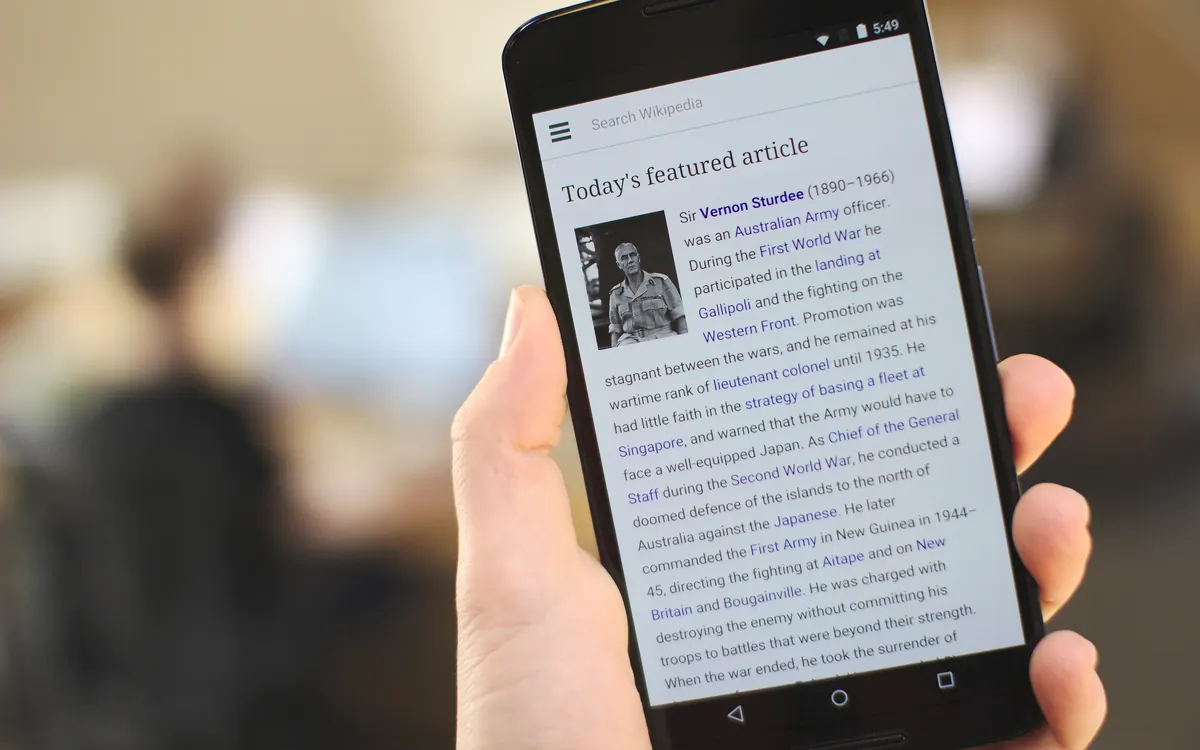
If you have more than one Google account on your Android phone, all of them may now carry your phone number, whether you added it or not. As Engadget reports, based on findings by Android Authority, Android has been automatically verifying the SIM's number and attaching it to every signed-in Google account on the device for more than a year.
What's happening
According to Google's support documentation, the phone verifies its number automatically during setup and adds it to all accounts on the phone, including work and secondary accounts. The documentation was changed between August and October 2025 to say this is on by default, and a Google Play services changelog dated 8 September 2025 lists automatic number verification at setup.
The link is broad. An account you add later also picks up the numbers on the phone, and if you swap SIM cards, the new number is added to every account too. Google and your carrier re-verify the numbers from time to time, which Google says can incur carrier charges. Many people only found out recently, after unexpected emails from Google's phone-verification address said their number had been verified.
Why Google does it
Google says a verified number powers account recovery, RCS messaging in Google Messages, phone-number sign-in, Find My Device, emergency location services and Quick Share. Engadget notes that Google's help pages also describe a "Better ads & Google services" setting that can use your number for more relevant ads, though Google hasn't said which ads setting applies to automatically linked numbers. Google says it does not sell personal data, including phone numbers.
How to turn it off
- Open Settings > Google > All services (on some phones the section is called Google services and preferences).
- Under Privacy & security, tap Phone number verification.
- Turn off Verify phone numbers automatically.
Turning it off doesn't remove numbers already linked. For each account, go to your Google Account settings, then Personal info > Phone, and delete the number where you don't want it.
There is a trade-off: Kaspersky warns that without verification, Google Messages falls back from RCS to plain SMS, and quick account recovery by phone number stops working. A middle ground is to keep verification on but remove the number from work or secondary accounts by hand.
For more privacy housekeeping, see our ChatGPT privacy settings guide, and our eSIM explainer if you juggle several numbers on one phone.
More from Smartphones
View all →Read next

FreeSync vs G-Sync: which matters for your monitor?
FreeSync vs G-Sync explained: how variable refresh rate works, the tiers (Premium, Pro, Compatible, Ultimate), GPU and console support, and what to buy in 2026.

NASA's new Artemis plan: Earth-orbit test, landing in 2028
Artemis III becomes a 2027 Earth-orbit test with both commercial landers, and the first crewed landing moves to 2028 with whichever lander is ready first.

RTX Remix 1.6 adds DLSS 5, Minecraft beta and Windows on Arm
NVIDIA's RTX Remix 1.6 brings DLSS 5 neural rendering, up to 6x Multi Frame Generation, a Minecraft Java beta mod and Arm support for Portal RTX and more.