Wi‑Fi 7, explained: what's new and do you need it?
Multi-Link Operation, 320 MHz channels and 4K-QAM in plain English — plus how to decide whether upgrading your router makes sense.
On this page
Wi‑Fi 7 is the marketing name for the IEEE 802.11be standard. It builds on Wi‑Fi 6 and 6E with a few headline features. Here's what they do and when they matter.
The three big changes
Multi-Link Operation (MLO)
Older Wi‑Fi devices connect over one band at a time — 2.4 GHz, 5 GHz or 6 GHz. MLO lets a compatible device use more than one band simultaneously or switch between them instantly. The practical benefits are steadier connections and lower latency when one band gets congested.
320 MHz channels
Wi‑Fi 7 doubles the maximum channel width from 160 MHz to 320 MHz, but only in the 6 GHz band. Wider channels can carry more data — think of it as a wider road. Whether you can use them depends on your country's 6 GHz rules and how crowded the airwaves are around you.
4096-QAM ("4K-QAM")
This is a denser way of encoding data into the radio signal, packing about 20% more data into each transmission than Wi‑Fi 6's 1024-QAM. It works best at short range with a strong signal.
What Wi‑Fi 7 won't fix
- Your internet plan. If your connection is 500 Mbps, a new router won't make it faster than that.
- Old devices. To use Wi‑Fi 7 features, both the router and the device need Wi‑Fi 7. Older devices still connect, just with their own capabilities.
- Thick walls. 6 GHz signals travel less far through walls than 2.4 GHz. Coverage problems are usually solved by better placement or a mesh system.
Should you upgrade?
Upgrading makes the most sense if:
- You already own, or plan to buy, several Wi‑Fi 7 phones or laptops.
- You move large files around your home network, or your internet plan is faster than ~1 Gbps.
- Your current router is several years old and struggling.
If your router is a recent Wi‑Fi 6 or 6E model and works well, there's no urgency — Wi‑Fi 7 is a nice upgrade, not a necessity.
Keep reading

Google opens Gemini 4 Argon to everyone with a 1M-token limit
Google’s frontier Gemini 4 Argon model is available today via API, Antigravity, the Gemini app and AI Mode in Search for Pro and Ultra subscribers.
Anthropic: small AI models may soon self-replicate on IoT devices
A 12 October research post shows a 26B model running across 15 cheap Android TV boxes and projects small weight-based replicators by late 2026.
Microsoft unveils Maia 300 AI chip, its main inference system from 2027
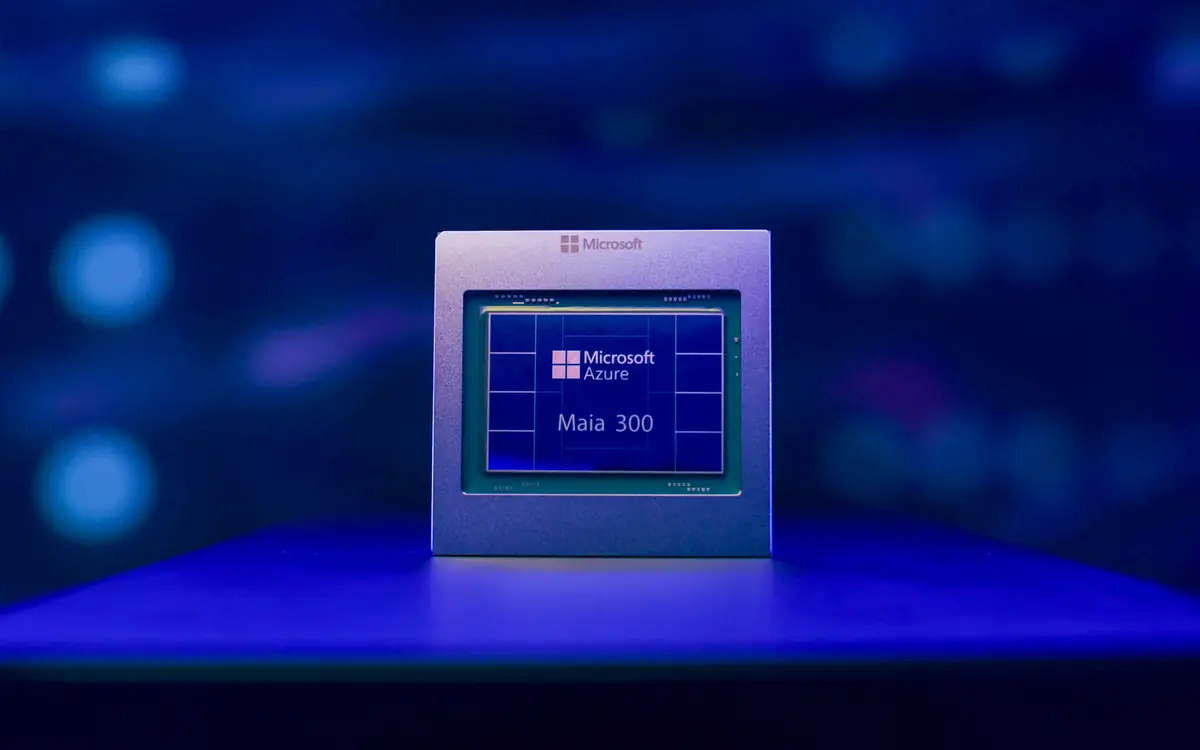
Microsoft's third-generation Azure Maia chip promises 40% more tokens per megawatt than leading GPU systems and up to 7x Maia 200's rack throughput.