How to choose a TV in 2026: OLED vs Mini LED buying guide
How to choose a TV: OLED vs Mini LED vs standard LCD, the right size for your room, HDR formats, HDMI 2.1 for gaming, smart platforms and sound, explained simply.
LandGadget Newsroom · · 7 min read
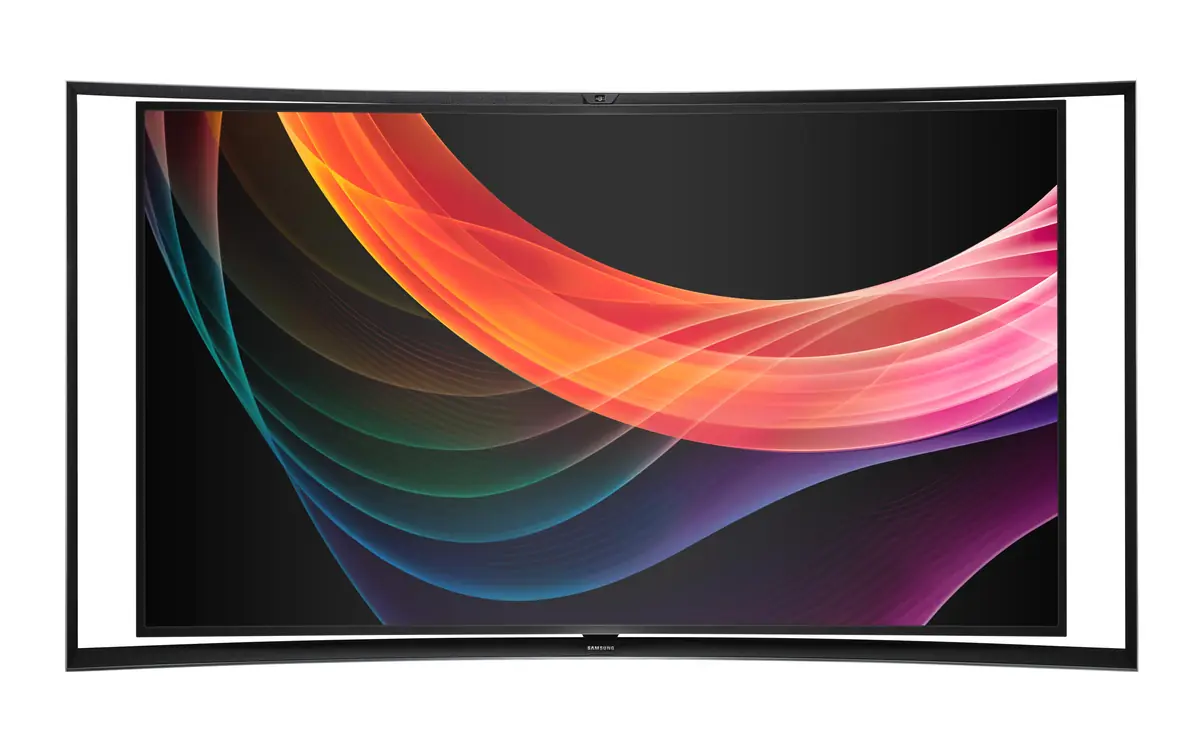
Quick verdictFor a dim living room and movies, OLED gives the best picture; for a bright room or a big screen on a budget, pick a Mini LED LCD; and if you game on a PS5 or Xbox, make sure the HDMI ports support 4K at 120 Hz.
Jump to the verdict ↓On this page
Buying a TV used to be about screen size and price. Today the spec sheet is full of terms like OLED, QD-OLED, Mini LED, QLED, Dolby Vision, HDMI 2.1 and VRR, and the marketing makes every model sound like the best. The good news: only a handful of choices really change what you see on screen.
This guide walks through them in order of how much they matter. We don't run lab tests, so there are no scores or brand rankings here; check independent reviews for the exact model you shortlist.
Step 1: pick the panel type
This is the biggest decision, because it sets contrast, brightness and how the TV handles a sunny room.
OLED (including Samsung's and Sony's QD-OLED variants) has no backlight: every pixel makes its own light and can switch fully off. That gives true black, excellent contrast, wide viewing angles and very fast response, which is why OLED is the favourite for films in a dim room. The trade-offs are lower peak brightness than the brightest LCDs, a higher price per inch, and a small risk of burn-in if the same static image (a news ticker, a game HUD) sits on screen for many hours every day. Modern OLEDs have several protections, and for varied viewing it's rarely a problem.
Mini LED is an LCD with thousands of tiny LEDs behind the panel, grouped into local dimming zones that dim or brighten different parts of the picture. It can get much brighter than OLED, which helps HDR highlights and bright rooms, and it is often cheaper at 65 inches and above. Because a zone is far bigger than a pixel, bright objects on dark backgrounds can show a faint halo, known as blooming.
Standard LED LCD (often sold as QLED when it adds a quantum-dot colour layer) is the budget option. Picture quality is fine in a bright room, but blacks look greyish in the dark, especially on models without local dimming.
| OLED / QD-OLED | Mini LED LCD | Standard LED / QLED | |
|---|---|---|---|
| Black level & contrast | Best (pixels switch off) | Very good, some blooming | Average |
| Brightness | Good | Highest | Moderate |
| Bright room | Fine, not the strongest | Best choice | Good |
| Viewing angles | Excellent | Varies by panel | Varies by panel |
| Burn-in risk | Small, with static content | None | None |
| Price per inch | Highest | Mid | Lowest |
Step 2: get the size right
Most people who regret a TV purchase say they went too small, not too big. A practical rule of thumb for 4K is to sit roughly 1 to 1.5 times the screen diagonal away: about 1.4 to 2.1 metres for a 55-inch set and 1.7 to 2.5 metres for 65 inches. At those distances you get an immersive picture without seeing pixels.
Before you buy, measure the wall or stand and check the stand width: some TVs have feet at the far edges, so they need a stand almost as wide as the screen. If you plan to wall-mount, note the VESA mounting pattern and the weight.
Step 3: resolution and HDR
4K is the sweet spot. Almost every streaming service, the PS5 and the Xbox Series X support it. 8K TVs exist, but there is very little 8K content, so you mostly pay for upscaling.
HDR (high dynamic range) matters far more than going beyond 4K, but only if the TV is bright enough to show it. Look at which formats are supported:
- HDR10 is the baseline and every HDR TV has it.
- Dolby Vision and HDR10+ add scene-by-scene information. Netflix, Disney+ and Apple TV+ use Dolby Vision widely; Prime Video supports HDR10+. Some brands support only one of the two.
A cheap TV with an "HDR" sticker but low brightness won't show much difference, so reviews that measure real brightness are worth reading.
Step 4: gaming features
If you have a PS5, Xbox Series X or a gaming PC, check these:
- HDMI 2.1 ports that support 4K at 120 Hz. Many TVs have only two such ports, so count them if you have several consoles plus a soundbar.
- A native 120 Hz panel. Ignore "motion rate" numbers; check the real refresh rate.
- VRR (variable refresh rate) to stop tearing, and ALLM (auto low latency mode), which switches the TV into game mode automatically.
If most of your gaming happens at a desk, our gaming monitor guide explains when a monitor is the better buy.
Step 5: the smart platform
The TV's software decides how fast apps open and how long they get updates. Common platforms are Google TV, LG's webOS, Samsung's Tizen, Roku and Amazon Fire TV. Check that the apps you use are available in your country, and that you're comfortable with the ads on the home screen, which most platforms now show. If you dislike the built-in system, a separate streaming stick is a cheap way around it.
4K streaming also needs a stable connection. If your TV is far from the router, see our mesh Wi-Fi buying guide, or use Ethernet.
Step 6: don't forget sound
Thin TVs have little room for speakers, so most sound thin. A soundbar is the easiest upgrade. Look for an HDMI eARC port on the TV, which sends high-quality audio, including Dolby Atmos, to a soundbar or AV receiver over one cable.
+ Pros
- { "Worth paying for": "panel type, real brightness, the right size, HDMI 2.1 if you game" }
- A good soundbar often improves films more than a pricier TV
− Cons
- { "Not worth paying for": "8K, inflated \"motion rate\" figures, curved screens" }
- Very cheap "HDR" TVs that aren't bright enough to show it
Our verdict
Panel first, then size, then ports
Decide on OLED (dark room, films, best contrast) or Mini LED (bright room, bigger screen for the money) first. Then buy the largest size your room and budget allow, check for Dolby Vision or HDR10+, and if you game, make sure there are enough HDMI 2.1 4K 120 Hz ports. Everything else is a detail.
Frequently asked questions
Is OLED better than Mini LED?
For contrast, black levels and viewing angles, yes. Mini LED is brighter and usually cheaper at large sizes, which makes it the better choice for bright rooms.
Is OLED burn-in still a problem?
It is much less common than it used to be, thanks to built-in protections. The risk mainly applies if the same static image stays on screen for many hours every day.
What size TV should I buy?
A common rule of thumb for 4K is to sit about 1 to 1.5 times the screen diagonal away. For a 55-inch TV that is roughly 1.4 to 2.1 metres.
Do I need an 8K TV?
For most people, no. There is very little 8K content, and a good 4K TV with strong HDR shows a bigger improvement.
What is QLED?
QLED is an LCD TV with a quantum-dot layer for richer colour. It still uses a backlight, so it is not the same as OLED.
Do I need HDMI 2.1 for a PS5 or Xbox Series X?
Only if you want 4K at 120 Hz and VRR. Games still work at 4K 60 Hz over older HDMI ports.
More from Smart Home
View all →Buying guide
Aqara Outdoor Plug H2 EU: Thread or Zigbee mode?
Read next
1Password for Agents: AI can sign in without your password
1Password's new Agents platform lets AI assistants like Meta's Muse log in on your behalf after you approve, filling credentials the agent never sees or keeps.
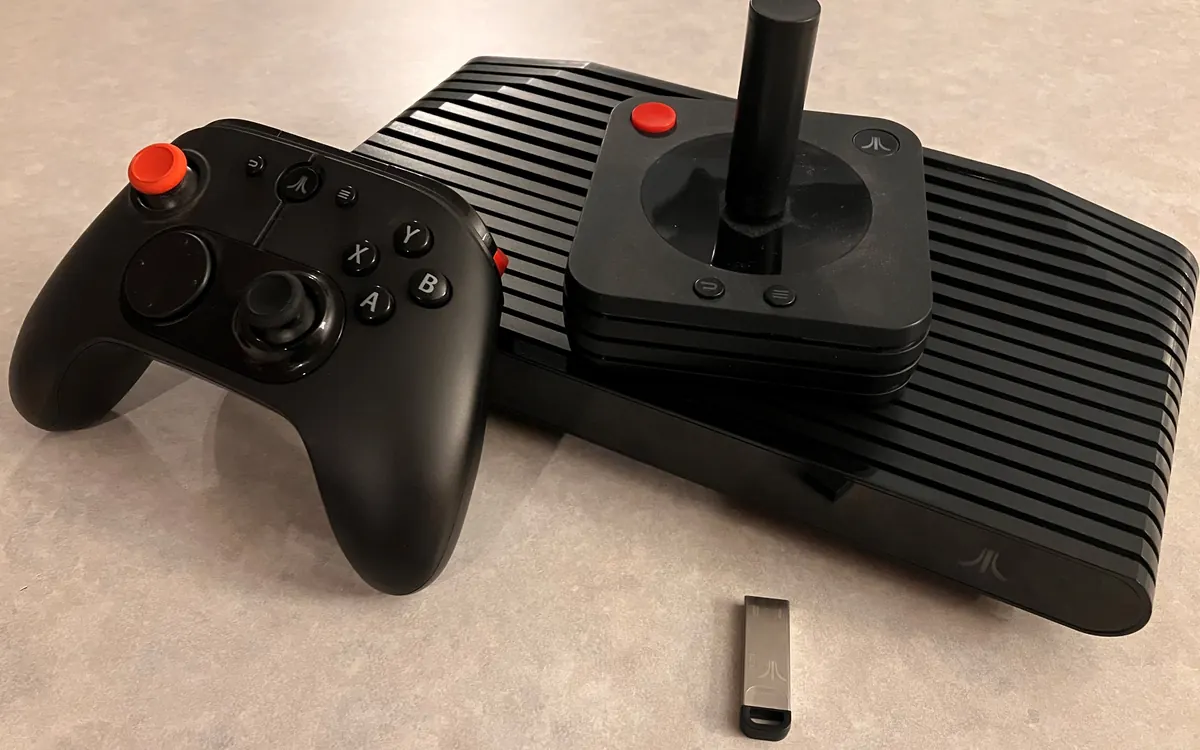
Atari VCS store closes Feb 1, 2027, but consoles keep working
Atari will shut the VCS software store on February 1, 2027, then ship an OS update that removes server checks and add a homebrew app so the console lives on offline.
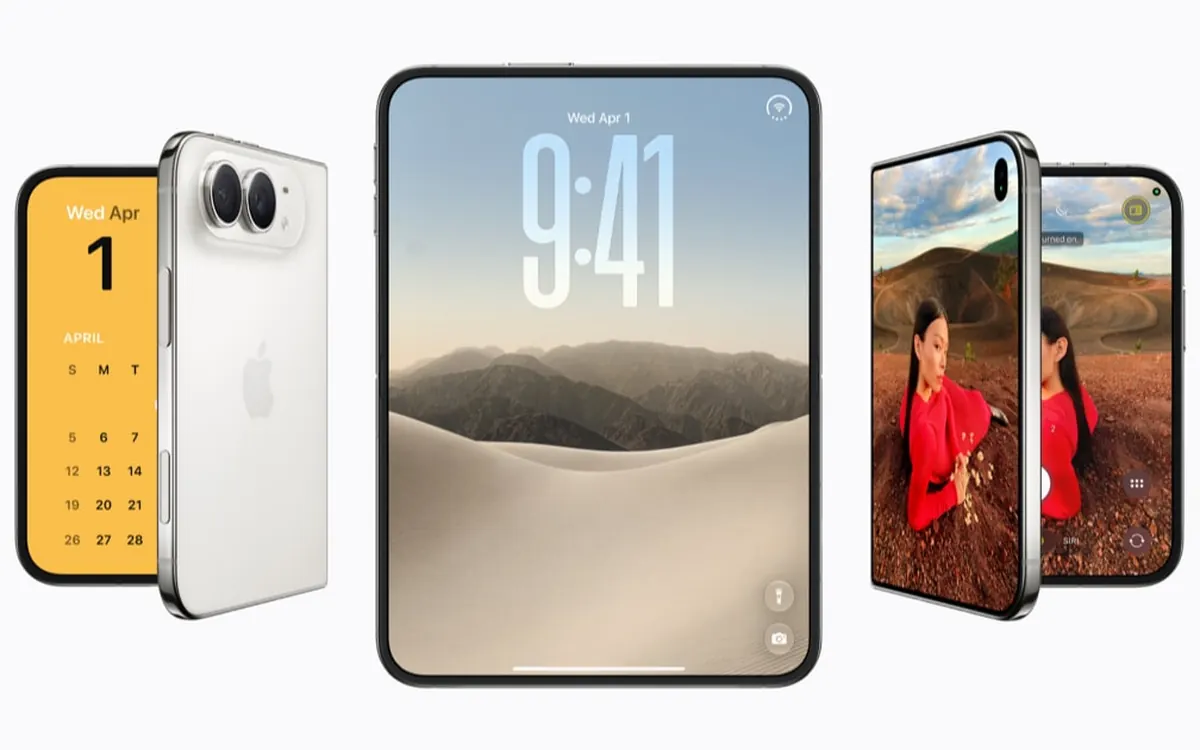
iPhone Duo reviews: the best foldable, with trade-offs
Reviewers agree the iPhone Duo is the most polished foldable so far, but flag Touch ID, weight, app support and cameras. Gurman says Duo 2 tests Face ID.