iOS 27.2 brings Siri AI memory and a new Podcasts layout to CarPlay
iOS 27.2 gives CarPlay two upgrades: Siri AI that remembers past chats and pulls from more of your data, plus new Podcasts sections. What changes in the car.
LandGadget Newsroom · · 3 min read
On this page
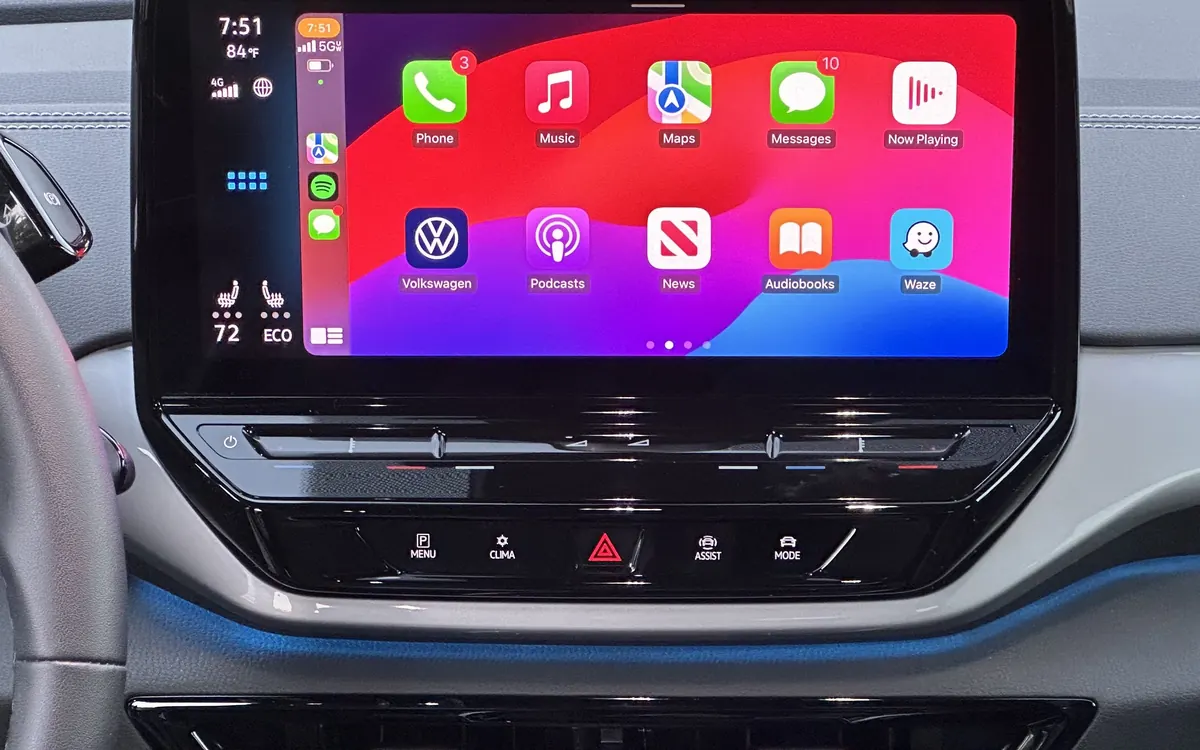
CarPlay doesn't get its own software updates. It runs from your iPhone, so every iOS release quietly changes what you see on the car's screen. iOS 27.2, released this week, brings two notable CarPlay improvements, according to 9to5Mac and Engadget.
1. Siri AI remembers, even in the car
The upgraded Siri AI in iOS 27.2 works in CarPlay just as it does on the phone. Two changes stand out on the road:
- Memory of past conversations. You can ask Siri to bring back something from an earlier chat. Engadget's example is asking it to repeat café recommendations from last week, without digging through your phone while driving.
- More sources for answers. Siri can now draw on your voicemails, Safari history and Reading List, the attendees of Calendar events and photos attached in Messages to give more detailed replies.
That makes a voice assistant more useful behind the wheel, where tapping is the last thing you should be doing. It also means Siri can see more of your personal data. Our story on Siri AI memory in iOS 27.2 explains which apps you can exclude and how.
2. Podcasts loses Up Next
Apple has reworked the Home tab in Apple Podcasts, and the change shows up in CarPlay too. The Up Next queue is gone. In its place are two rows:
- New Episodes shows only the latest episodes of shows you follow.
- Continue Playing holds anything you've started, so you can pick up where you left off.
9to5Mac's reviewer liked the change, but if you relied on a hand-built Up Next queue for your commute, check your shows before your next drive.
Smaller changes
Apple Music has a new monochrome icon following its recent rebrand: white with a black note, or the reverse in dark mode. Engadget also points to reports on the CarPlay subreddit that some owners can no longer use APTV, a third-party tool for playing video on the car screen, after updating. Apple has not commented on those reports.
How to get it
Update your iPhone under Settings → General → Software Update. The next time you connect, by cable or wirelessly, CarPlay picks up the changes. No update for the car itself is needed. Shopping for a new car and weighing whether to go electric? Our comparison of hybrid, plug-in hybrid and EV explains the trade-offs. If you'd like a camera recording your drives, see our dash cam buying guide.
More from Cars & EVs
View all →Read next
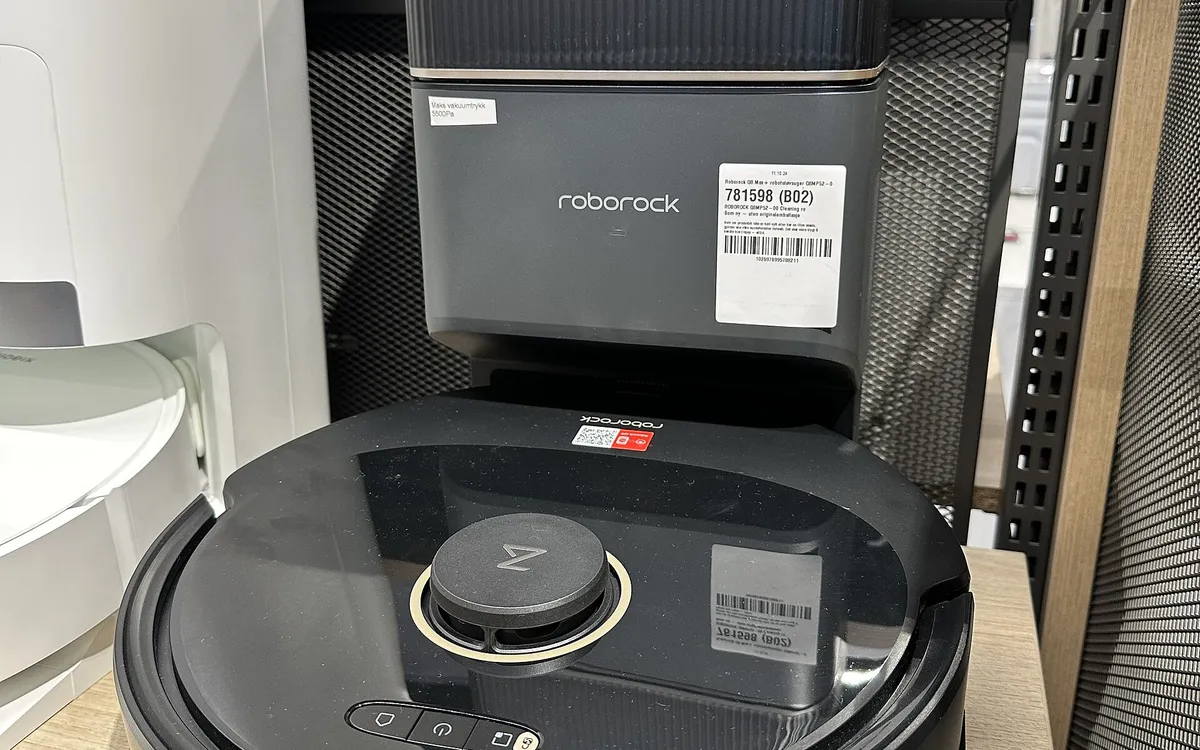
Robot vacuums for carpets vs hard floors: what to look for
Carpet, rugs or hard floors? Which robot vacuum features matter for each: brushes, carpet boost, threshold height, mop lifting, edge cleaning and setup per room.

ESA's Hera sees Didymos and Dimorphos apart for the first time
ESA's Hera probe has resolved the Didymos–Dimorphos pair from 1,280 km away. First detailed Dimorphos images since DART's 2022 impact are due 25 November.
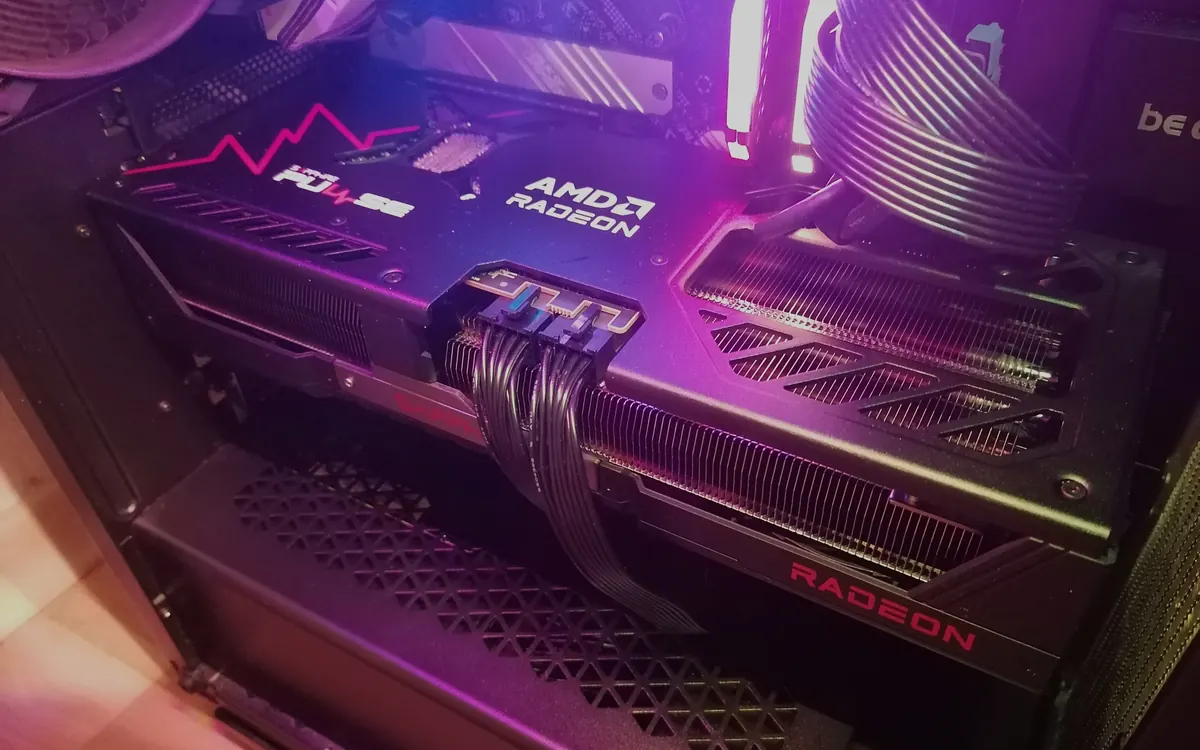
DLSS vs FSR vs XeSS: which upscaler should you use?
DLSS vs FSR vs XeSS explained: how each upscaler works, which GPUs support it, frame generation and lag, and which setting to pick on Nvidia, AMD or Intel.