Robot vacuums for carpets vs hard floors: what to look for
Carpet, rugs or hard floors? Which robot vacuum features matter for each: brushes, carpet boost, threshold height, mop lifting, edge cleaning and setup per room.
LandGadget Newsroom · · 4 min read
On this page
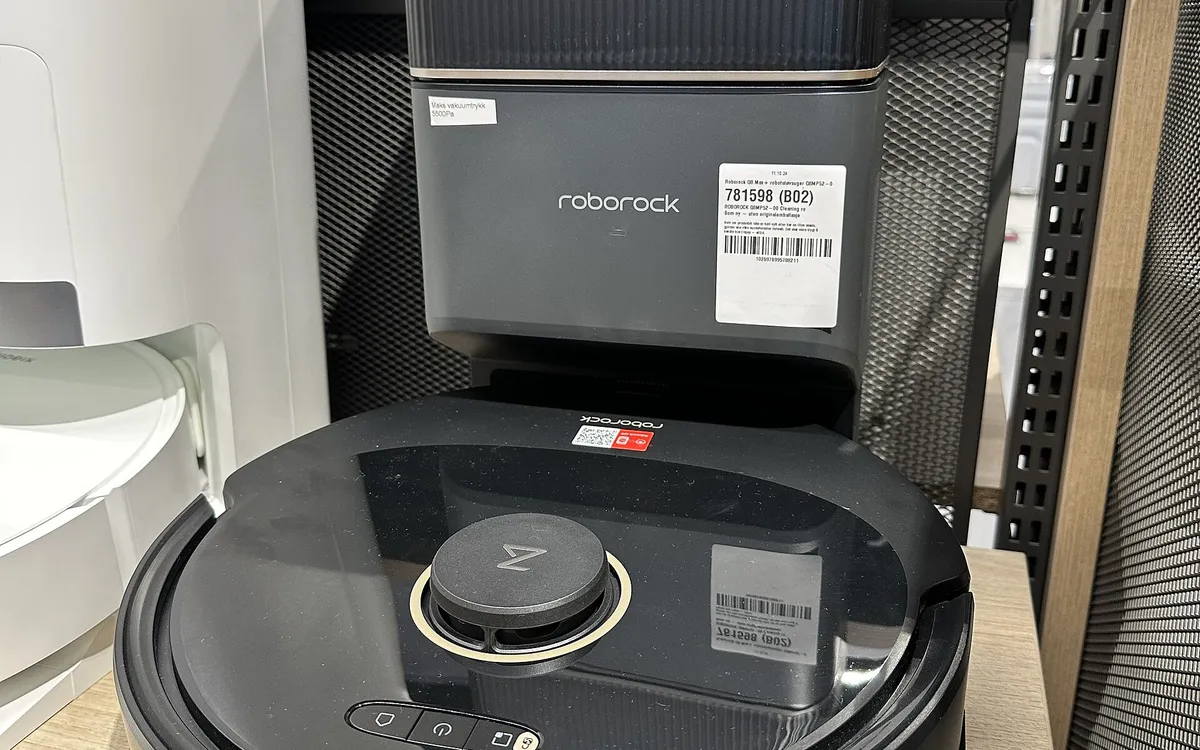
The same robot vacuum can be excellent in a tiled flat and mediocre in a carpeted house. Your floors should shape your shortlist before price, brand or headline suction. Here's what matters for each type, and how to set the robot up for a mixed home.
Hard floors: edges, fine dust and mopping
On tile, vinyl, laminate and sealed wood, most competent robots pick up loose debris well. The differences show up at the edges and corners, where dust collects along skirting boards, and in fine dust that a weak seal blows around. Look for a side brush or extending arm design that reaches edges, and consider a vacuum-mop combo if you want daily wet wipe-downs. A lower suction mode is often enough and runs quieter.
Carpet: brushes, boost and seal
On carpet, dirt sinks into the pile. What matters:
- Main brush design — rubber or hybrid rollers that agitate the pile and tangle less with hair.
- Carpet boost — automatic power increase when the robot detects carpet.
- Bin and dock capacity — carpets, especially with pets, fill bins faster, so a self-empty dock helps.
Even so, a small robot is unlikely to match a full-size vacuum for embedded dirt in thick carpet. Plan a periodic deep pass, as our robot vs stick vacuum comparison explains.
Rugs: thresholds, tassels and mop lifting
Rugs cause the most trouble:
- Height — check the maximum threshold or climb height in the spec sheet against your thickest rug and door thresholds.
- Tassels and fringes — many robots get tangled. Fold them under, or set a no-go zone along the edge.
- Damp mops — on a combo, the mop must lift high enough or detach, or the rug gets wet.
High-pile and shag
Very high or loose pile can stall robots or trigger cliff sensors on dark designs. If most of your floor is shag, a robot may not be the right primary cleaner. Check owner reports for your exact rug type before buying.
Dark floors and dark rugs
Some robots misread very dark or black-patterned floors as stairs and refuse to cross them, because their cliff sensors detect low reflectivity. If you have dark rugs, search owner reports for "black carpet" with the model name. Some apps let you adjust cliff sensor behaviour.
Pets on any floor
Shedding pets change priorities more than floor type does: tangle-resistant rollers, a larger bin or self-empty dock, and good front obstacle avoidance. Our LiDAR vs camera explainer covers that last point.
Set rules per room
Once the robot has mapped your home, give each room its own settings. Use higher suction and no mop on carpeted rooms, quieter vacuuming with mopping on hard floors, and no-go strips around fringed rugs. Our setup guide walks through map editing and the brush-care schedule; carpet homes need the brush cleaned more often.
Frequently asked questions
Do robot vacuums work on thick carpet?
On medium pile, most mapping robots with carpet boost manage well. On very thick or shag pile they may struggle or get stuck, so check the climb height and owner reports.
Can a robot vacuum go from hard floor to carpet?
Yes. Most detect the change and adjust power, and combos lift or avoid with the mop. Check the robot's maximum threshold height for thick rugs.
Why won't my robot vacuum go on my black rug?
Its cliff sensors may read the dark surface as a drop. Some apps let you adjust this; otherwise it is a known limitation of that model.
More from Smart Home
View all →Read next

ESA's Hera sees Didymos and Dimorphos apart for the first time
ESA's Hera probe has resolved the Didymos–Dimorphos pair from 1,280 km away. First detailed Dimorphos images since DART's 2022 impact are due 25 November.
DLSS vs FSR vs XeSS: which upscaler should you use?
DLSS vs FSR vs XeSS explained: how each upscaler works, which GPUs support it, frame generation and lag, and which setting to pick on Nvidia, AMD or Intel.

Samsung Community goes offline for 72 hours: back up first
Samsung Community shuts for 72 hours from October 30 for an overhaul. DMs, drafts, bookmarks and subscriptions won't migrate. What to save and what changes after.