Fake WhatsApp app shows up above the real one on Google Play
A WhatsApp clone with over 500,000 downloads reportedly appeared in a sponsored Play Store slot above the real app. Here’s how to spot the genuine one.
LandGadget Newsroom · · 3 min read
On this page
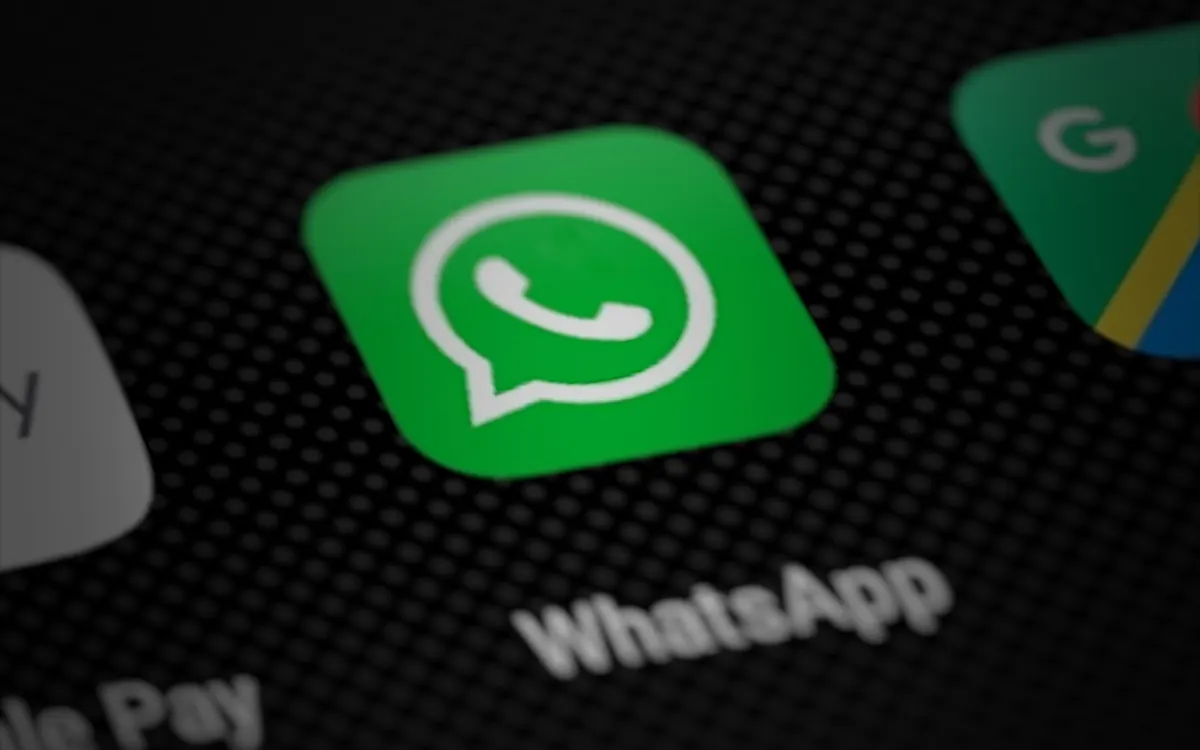
A copycat version of WhatsApp has been spotted on the Google Play Store, and it was reportedly placed where many people would tap first. A Reddit user said the fake “WhatsApp Messenger” appeared in a sponsored slot above the genuine app, The Verge reports. It comes just days after a fake Chrome app was found on the store.
How convincing is it?
According to Android Authority, which first reported the listing, the clone had racked up more than 500,000 downloads, and the listing was still live when The Verge published its story. The listing uses the same icon, screenshots and description as the real WhatsApp. It comes from a developer called “Agment Assets sallu” that has nothing else on the Play Store.
The giveaways are in the details. The real WhatsApp has over 10 billion downloads, an Editors’ Choice badge and more than 246 million reviews. Android Authority also points out that the fake app may be using Google Play’s Early Access programme, which turns off public reviews, so users couldn’t leave warnings for others.
Google did not immediately respond to The Verge’s request for comment.
Why it matters
Messaging apps hold your contacts, chats and often a link to your phone number, which makes clones a natural tool for scammers. A listing that looks identical and sits in a paid ad position at the top of search results is easy to install by mistake, especially on a new phone.
Frequently asked questions
How can I tell the real WhatsApp on Google Play?
Check the developer name under the app title: the genuine app is published by WhatsApp LLC. The real listing also shows billions of downloads and hundreds of millions of reviews. Be wary of results marked as sponsored or ads.
What should I do if I installed a fake app?
Uninstall it, run a scan with Google Play Protect, change any passwords you typed into it and enable two-step verification in the real WhatsApp. If you entered payment details, contact your bank.
Is it safer to install apps from a link?
Only if the link comes from the official website of the app maker. Links in messages, ads or social posts can point to look-alike listings.
Android also has built-in defences worth switching on: read about scam protection in Google Messages, and see how Google Play now lets you run private AI-built apps without a developer account.
More from Smartphones
View all →Read next
The leap second is being scrapped: what changes in 2027
Countries at the CGPM voted to make UTC continuous from 20 May 2027, ending leap seconds and letting clocks drift up to an hour from Earth’s rotation.
Withings now charges new users for Apple Health sync
New Withings accounts created from 13 October need Withings+ ($9.95/month or $99.50/year) to auto-sync to Apple Health and Health Connect; older ones stay free.
Resident Evil 2, 3 and 4 remakes hit Switch 2 today — 6 facts
Capcom’s RE2 Deluxe, RE3 and RE4 Gold are out digitally on Nintendo Switch 2 on Oct 16, 2026; physical discs Jan 29, 2027. Plus Monster Hunter Wilds dated for Dec 4.