Android earthquake alerts expand to more than 200 regions
Google is widening Android’s phone-based earthquake warnings from 98 to over 200 countries and regions, and will add a map and magnitude to Be Ready alerts.
LandGadget Newsroom · · 3 min read
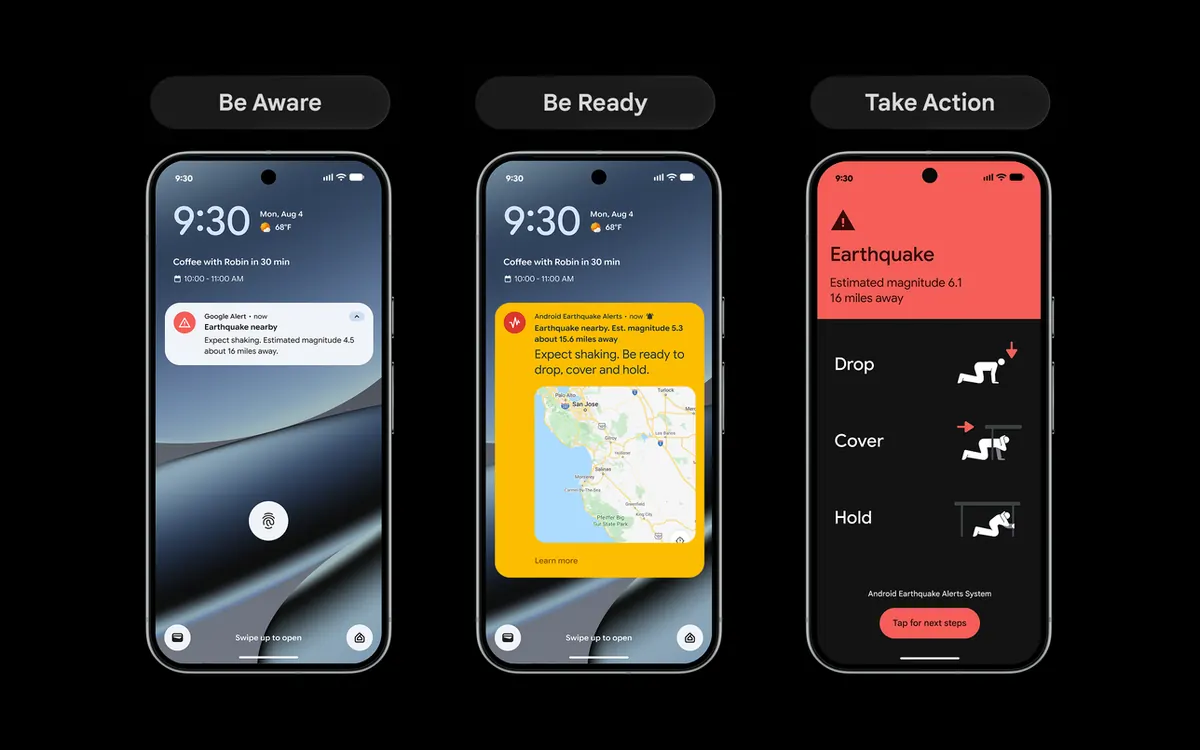
Google is rolling out its Android Earthquake Alerts System to far more of the world. In a post on its official blog on 15 October, the company said coverage is growing from 98 countries and regions to more than 200, naming Panama and Guatemala among the new additions. Since launching in 2021, the system has sent over one billion alerts, according to Google.
How it works
Most Android phones contain an accelerometer. When many phones in one area detect the tell-tale vibrations of an earthquake at the same time, Google’s servers can estimate where the quake is and warn people farther away, sometimes seconds before the shaking reaches them. In California, Oregon and Washington, the system also uses data from the ShakeAlert seismic network, as Thurrott notes.
Reports say the rollout to newly supported regions started on 15 October and should reach everyone within about a week. Google’s post doesn’t list every new country; it points to a separate support page that shows where alerts are active.
Three levels of warning
Depending on how strong the shaking is expected to be, Android users see one of three alerts:
- Be Aware: a simple notification for estimated light shaking, telling you that an earthquake has been detected nearby.
- Be Ready: a more detailed alert for stronger shaking, telling you to prepare to take action.
- Take Action: a full-screen alert for moderate to heavy shaking, with immediate advice on staying safe.
Better Be Ready alerts are coming
Google is also upgrading the middle tier. “In the coming months”, Be Ready alerts will show a map with the radius where shaking has been detected, an estimated magnitude, suggested actions and a button to learn more as information comes in.
Frequently asked questions
How do I check that earthquake alerts are on?
On most Android phones, look under Settings, then Safety and emergency, then Earthquake alerts (on some models it is in the Location settings). Alerts need an internet connection through Wi-Fi or mobile data.
Do I need a specific phone?
The feature is built into Android rather than tied to one brand of phone, but it only works in regions where Google has enabled it.
For more on Android safety features, read how Google is fighting scams in Android Messages, or catch up on the state of the global smartphone market.
More from Smartphones
View all →Read next

The leap second is being scrapped: what changes in 2027
Countries at the CGPM voted to make UTC continuous from 20 May 2027, ending leap seconds and letting clocks drift up to an hour from Earth’s rotation.
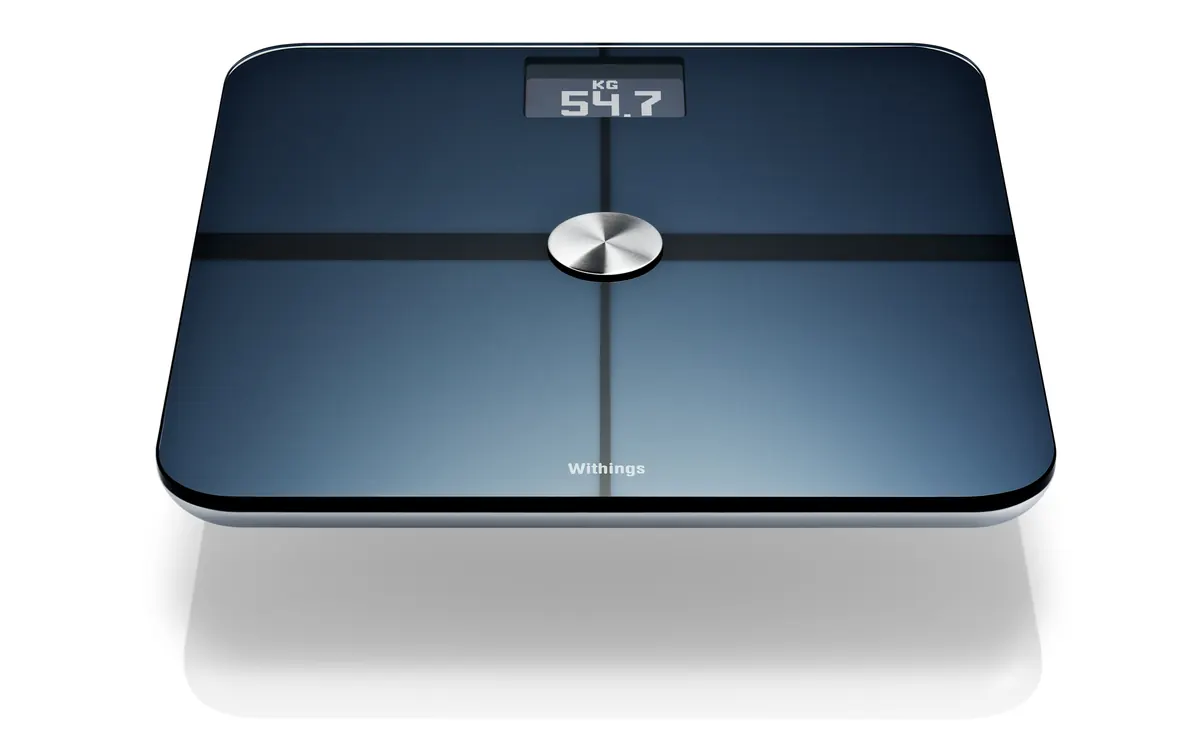
Withings now charges new users for Apple Health sync
New Withings accounts created from 13 October need Withings+ ($9.95/month or $99.50/year) to auto-sync to Apple Health and Health Connect; older ones stay free.
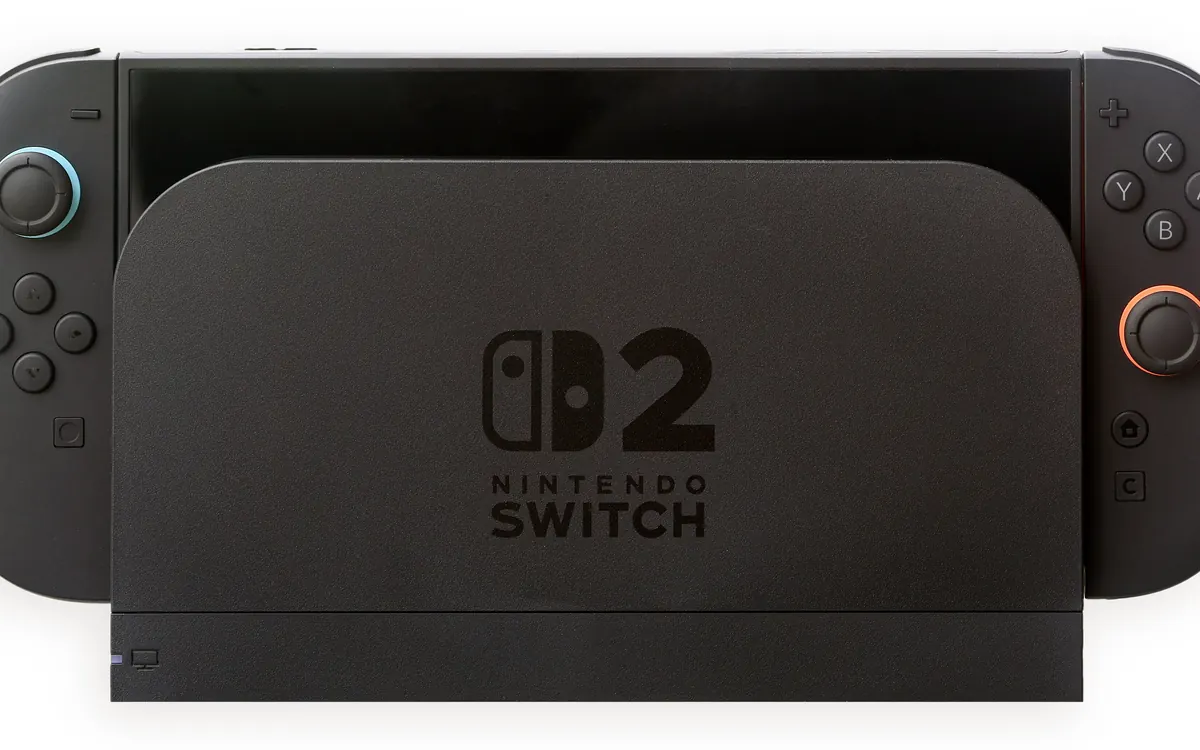
Resident Evil 2, 3 and 4 remakes hit Switch 2 today — 6 facts
Capcom’s RE2 Deluxe, RE3 and RE4 Gold are out digitally on Nintendo Switch 2 on Oct 16, 2026; physical discs Jan 29, 2027. Plus Monster Hunter Wilds dated for Dec 4.