Best Monitor Size for Gaming: 24 vs 27 vs 32 Inch
What monitor size is best for gaming? Compare 24, 27, 32-inch and ultrawide screens by resolution, pixel density, desk distance, GPU power and the games you play.
LandGadget Newsroom · · 8 min read
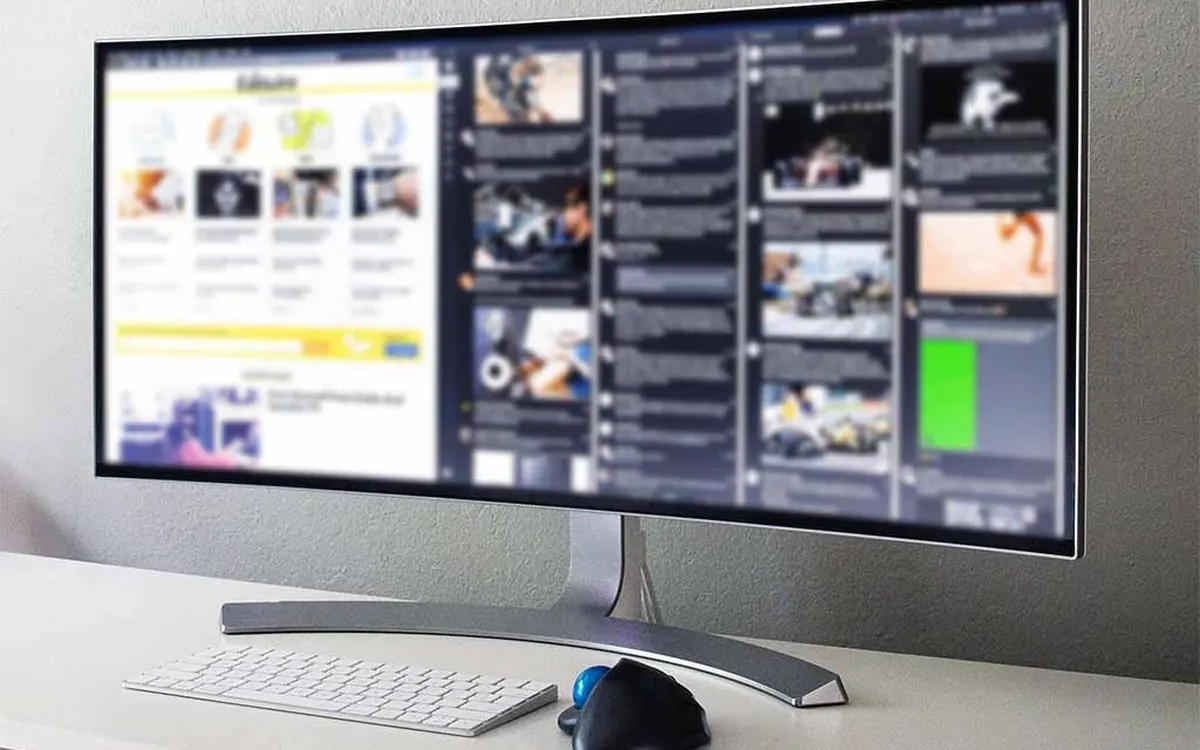
Quick verdict27 inches at 1440p is the best size for most gamers. Pick 24–25 inches for competitive shooters, 32 inches at 4K for single-player games on a deep desk, and 34-inch ultrawide for racing and sims.
Jump to the verdict ↓On this page
"What size monitor should I get for gaming?" sounds like a simple question, but the inch number on its own tells you very little. A 27-inch screen can look stunning or blurry depending on its resolution, and a 32-inch monitor that looks great in a shop can feel huge on a shallow desk. This guide explains how to choose the right size for your games, desk and graphics card. For the rest of the buying decision, such as panel types, refresh rates and HDR, see our full gaming monitor buying guide.
The short answer
- 24–25 inches (1080p): best for competitive esports and budget PCs.
- 27 inches (1440p): the best all-round size for most people.
- 32 inches (4K): best for single-player games, work and media if you sit a little further back.
- 34-inch ultrawide (3440×1440): best for racing, flight and simulation games that support 21:9.
Why size and resolution go together
The key number is pixel density, measured in pixels per inch (PPI). The more pixels you spread over the same area, the sharper text and game details look. Stretch a low resolution over a big screen and you start to see individual pixels and jagged edges.
| Size and resolution | Pixel density | Screen width × height | How it looks at desk distance |
|---|---|---|---|
| 24" 1080p | 92 PPI | 53 × 30 cm | Fine for games, text slightly soft |
| 27" 1080p | 82 PPI | 60 × 34 cm | Visibly grainy, best avoided |
| 27" 1440p | 109 PPI | 60 × 34 cm | Sharp, the sweet spot |
| 32" 4K | 138 PPI | 71 × 40 cm | Very sharp, lots of space |
| 34" ultrawide 3440×1440 | 110 PPI | 80 × 33 cm | As sharp as 27" 1440p, wider |
Notice that a 32-inch 1440p monitor has exactly the same density as a 24-inch 1080p one (92 PPI). It is simply a bigger version of the same image. That can be fine for games if you sit further back, but text will look noticeably softer than on a 27-inch 1440p screen.
24–25 inches: for competitive players
Smaller screens remain popular in competitive shooters and MOBAs for a practical reason: you can see the whole screen at once without moving your eyes far. The crosshair, minimap, health bar and kill feed are all within easy view. Many tournament setups use 24–25-inch monitors for this reason.
Choose this size if you:
- play fast games such as Counter-Strike 2, Valorant, Overwatch 2 or Fortnite competitively;
- want very high refresh rates (240 Hz and above) at a lower price;
- have a mid-range or older graphics card, since 1080p is the easiest resolution to drive at high frame rates;
- have a small or shallow desk.
The trade-off is sharpness. 1080p at 24 inches is acceptable for games but not ideal for reading or work. Some 24–25-inch models now offer 1440p, which looks sharper but costs more GPU power.
27 inches: the default for most gamers
27 inches at 1440p is the size we would suggest to most buyers. It is big enough to feel immersive in single-player games, sharp enough for everyday work, and 1440p is a resolution that mid-range graphics cards can run at high frame rates, especially with upscaling such as DLSS, FSR or XeSS.
It also fits most desks. At around 60 cm wide, a 27-inch monitor works well at an arm's length, which is roughly where most people sit anyway. If you play a mix of shooters, open-world games and strategy titles, this is the safest choice.
27-inch 4K monitors exist too. They look extremely sharp (163 PPI), but you will need a high-end GPU for high frame rates at 4K, and Windows usually needs display scaling to make text readable.
32 inches: big and sharp, but sit back
A 32-inch 4K monitor is a great screen for cinematic single-player games, photo and video work, and watching films at your desk. At 138 PPI it is very sharp, and the extra size feels much more immersive than 27 inches.
Before you buy one, check two things:
- Distance. A 32-inch screen is about 71 cm wide. On a shallow desk you may have to move your eyes and even your head to see the corners, which is tiring in fast games. A deeper desk or a monitor arm helps.
- Graphics power. 4K has 2.25 times as many pixels as 1440p. To run demanding games at high refresh rates you need a powerful card, upscaling, or both. Our graphics card buying guide explains which tier suits which resolution.
We would avoid 32 inches at 1080p for anything other than a budget TV-style setup, since at 69 PPI the image looks coarse at desk distance.
34-inch ultrawide: for racing, flight and sims
A 34-inch ultrawide (usually 3440×1440, a 21:9 ratio) is about as tall as a 27-inch monitor but around a third wider. The extra width fills your peripheral vision, which is excellent in racing, flight sims, strategy games and many single-player titles.
Downsides: not every game supports 21:9, and some competitive games limit or crop wide aspect ratios, so check your favourite titles first. Ultrawides also need more GPU power than 16:9 1440p (about a third more pixels), and many are curved, which takes some getting used to.
How far should you sit?
There is no strict rule, but these ranges work well for most people at a desk. They are rules of thumb, not measurements:
| Size | Comfortable distance | Desk depth to aim for |
|---|---|---|
| 24–25" | About 50–70 cm | 60 cm or more |
| 27" | About 60–80 cm | 70 cm or more |
| 32" | About 70–100 cm | 80 cm or more, or a monitor arm |
| 34" ultrawide | About 70–90 cm | 75 cm or more |
A simple test: sit as you normally would and look at the centre of the screen. If you can comfortably read text in the corners and see the HUD without turning your head, the size works for you.
Consoles and monitors
PS5 and Xbox Series X|S can output 1440p and 4K at up to 120 Hz, so a 27-inch 1440p or 32-inch 4K monitor both work well. For 4K at 120 Hz you need HDMI 2.1 on the monitor; our HDMI vs DisplayPort guide explains which ports and cables to look for. If you mostly play on a console from the sofa, a TV is usually the better choice than a monitor.
+ Pros
- 27" 1440p balances sharpness, immersion and GPU demand for most players
- 24–25" keeps the whole screen in view for competitive shooters
- 32" 4K and 34" ultrawide feel very immersive in single-player games and sims
− Cons
- 27" or larger at 1080p looks grainy at desk distance
- 32" screens need a deep desk and a powerful GPU
- Ultrawide support varies from game to game
Our verdict
27-inch 1440p for most people; 24–25-inch for esports; 32-inch 4K or 34-inch ultrawide for immersion
Start with your games and graphics card, then check your desk depth. For most gamers a 27-inch 1440p monitor is the best size. Competitive players get more from a 24–25-inch screen, and players focused on story games or sims with a capable GPU and a deep desk will enjoy a 32-inch 4K or 34-inch ultrawide. Avoid stretching 1080p over 27 inches or more.
Frequently asked questions
Is 27 inches too big for gaming?
No. 27 inches is the most popular gaming size because it fits a normal desk and works well at 1440p. Only very competitive players who want the whole screen in view at once may prefer 24–25 inches.
Is 24 or 27 inch better for FPS games?
For competitive shooters, 24–25 inches is often better because the crosshair, minimap and HUD are all easy to see without moving your eyes far. For casual or single-player shooters, 27 inches at 1440p looks sharper and more immersive.
Is 1080p OK on a 27-inch monitor?
It works, but at about 82 pixels per inch the image looks grainy at normal desk distance, especially text. If you want 27 inches, choose 1440p.
Is a 32-inch monitor too big for a desk?
It depends on your desk. A 32-inch screen is about 71 cm wide and is most comfortable at 70–100 cm away, so it suits deep desks or a monitor arm. On a shallow desk it can be tiring in fast games.
Do I need a better graphics card for a bigger monitor?
The size itself does not matter to the GPU, but the resolution does. Bigger monitors usually have higher resolutions, and 4K has 2.25 times as many pixels as 1440p, so you need a much faster card or upscaling to keep frame rates high.
More from Gaming
View all →Read next
How to choose a laptop in 2026: a practical buying guide
How to choose a laptop in 2026: pick the right type, then CPU, RAM, storage, screen, battery and ports. Simple rules for students, work, gaming and creative use.
Smart plug buying guide: how to choose one in 2026
Smart plug buying guide: Matter vs Wi-Fi vs Thread, load ratings, energy monitoring, outdoor plugs, local control and what you should never plug in.

How long does it take to charge an electric car?
From 40+ hours on a wall socket to about 20–40 minutes on a fast charger: how long EV charging really takes, how to work it out for your car, and what slows it.