How to choose a gaming monitor in 2026: size, resolution, refresh rate and panel type
A clear guide to picking a gaming monitor: matching resolution and refresh rate to your GPU, choosing OLED or IPS, and the specs you can safely ignore.
On this page
A monitor usually outlasts two or three graphics cards, so it is worth choosing carefully. Here is how to narrow the field.
Step 1: match resolution and size
- 24–25 inch, 1080p: competitive esports on a budget.
- 27 inch, 1440p: the sweet spot for most people, with sharp text and a playable frame rate on mid-range GPUs.
- 27–32 inch, 4K: great for single-player games and work, but you need a high-end GPU or upscaling such as DLSS or FSR.
- 34 inch ultrawide (3440×1440): immersive in racing and simulation games. Check that your favourite games support it.
Step 2: refresh rate your GPU can feed
Higher refresh rates only help if your PC can deliver the frames. For most people 144–180 Hz is plenty, and 240 Hz or more pays off in fast shooters. Always look for variable refresh rate (G-Sync compatible or FreeSync). It removes tearing without adding much lag.
Step 3: pick a panel type
| Panel | Strengths | Watch out for |
|---|---|---|
| OLED (QD-OLED / WOLED) | perfect blacks, instant response, superb HDR | price, burn-in risk with static HUDs (check the warranty) |
| IPS | accurate colour, wide viewing angles, good value | weaker contrast, "IPS glow" in the dark |
| VA | high contrast for films and dark games | smearing in dark transitions on cheaper models |
Step 4: ignore marketing numbers
- "1 ms" response time is often measured under ideal conditions. Independent reviews are a better guide.
- HDR400 badges add little. For real HDR, look for OLED or Mini-LED with many dimming zones.
Step 5: connections
You need DisplayPort 1.4 or 2.1 for high refresh at high resolution, and HDMI 2.1 for PS5 or Xbox at 120 Hz. USB-C with power delivery is handy if you also plug in a laptop.
Quick picks by budget: a 1440p IPS at 165–180 Hz for value, a 1440p OLED at 240 Hz or more for the best overall experience, and 4K OLED at 240 Hz if you have a top-tier GPU.
Keep reading
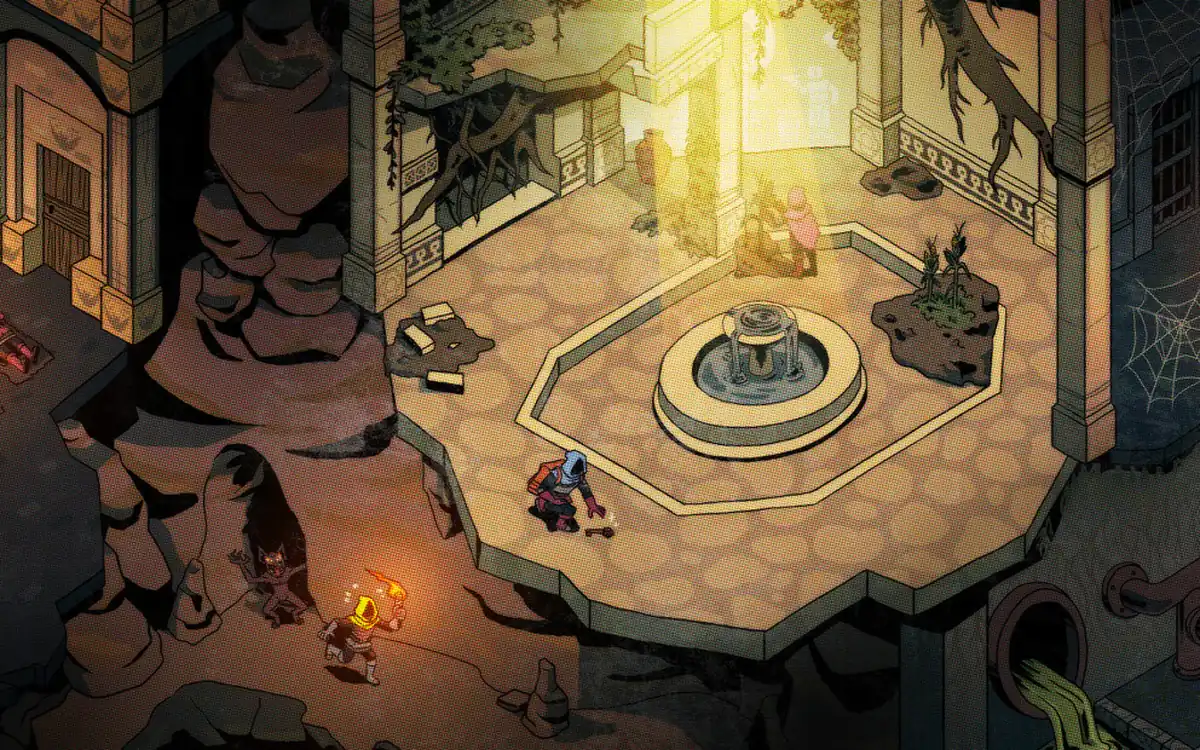
Deep Dish Dungeon launches on Xbox Game Pass, Series X|S and Steam
Behold Studios’ co-op dungeon crawler is out today via Raw Fury, with day-one Game Pass, Xbox Play Anywhere and handheld verification.
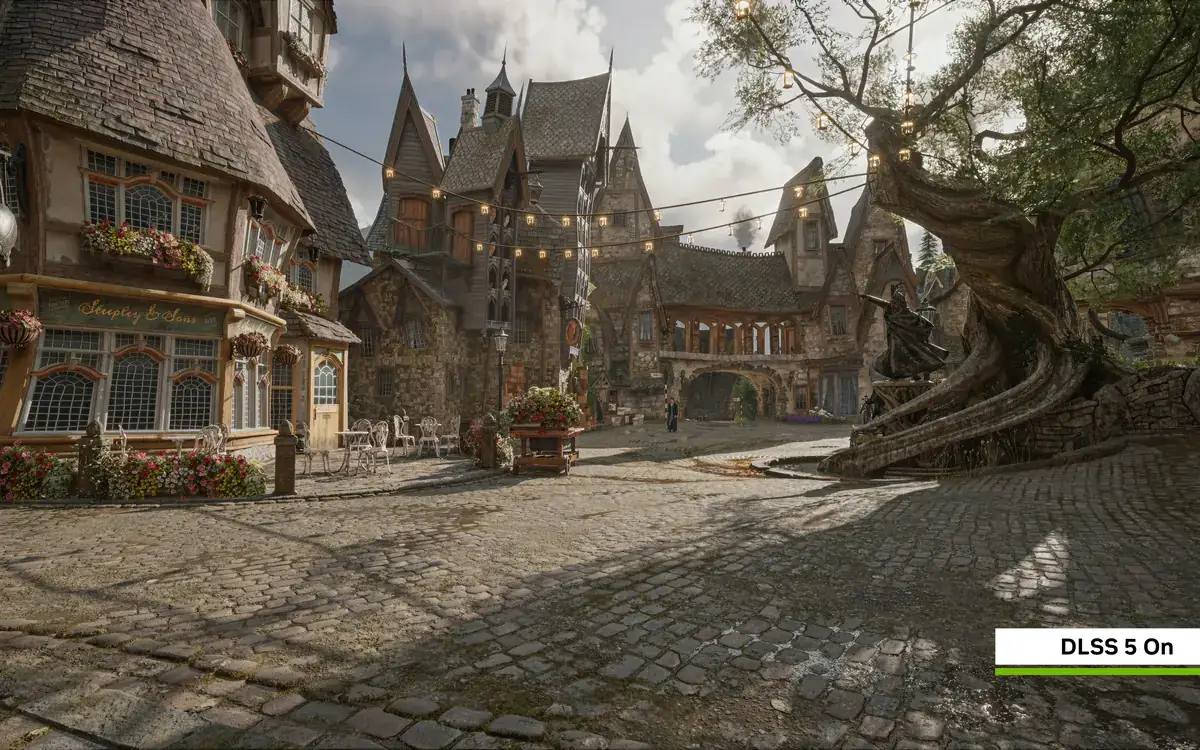
NVIDIA DLSS 5 gets a 2x faster model and comes to Hogwarts Legacy on 5 November
DLSS 5's neural rendering model now needs half the GPU overhead. It arrives on RTX Spark laptops on 16 October, in Hogwarts Legacy on 5 November and in RTX Remix on 23 October.

Planet Zoo 2 launches today on PC, PS5 and Xbox Series
Frontier’s sequel is live from 15:00 BST on 13 October 2026, with aquatic and flying species, GeForce NOW day-one support and a free-to-try path via pre-order bonuses already closed at launch.