Matter Starter Kit: Best Devices to Begin With
Building a Matter smart home in 2026? The best first devices in order: controller, smart plugs, bulbs, sensors, buttons and a lock, plus mistakes to avoid.
LandGadget Newsroom · · 5 min read
On this page
The best way to start a Matter smart home is not to buy a big bundle. It's to add a few cheap, useful devices in the right order, so each step works before you build on it. This list goes from the foundation to the more demanding devices. We haven't lab-tested the products named; they are examples of widely sold Matter-certified models, so always check the box for the Matter logo and the network it uses.
Not sure what Matter is yet? Read Matter explained first.
A controller you already have
Before buying anything, check what's already in your home. A Matter controller adds and runs your devices, and many people own one without knowing:
- Apple: HomePod mini, HomePod (2nd generation) or an Apple TV 4K.
- Google: recent Nest speakers and displays, such as the Nest Hub (2nd gen), or Google TV Streamer.
- Amazon: many recent Echo speakers; the Echo (4th gen) also acts as a Thread border router.
- Open platforms: SmartThings hubs or a Home Assistant server.
If you plan to use Thread devices, make sure your controller is also a Thread border router. If you have nothing yet, pick the ecosystem whose phone app and voice assistant you'll actually use.
Smart plugs
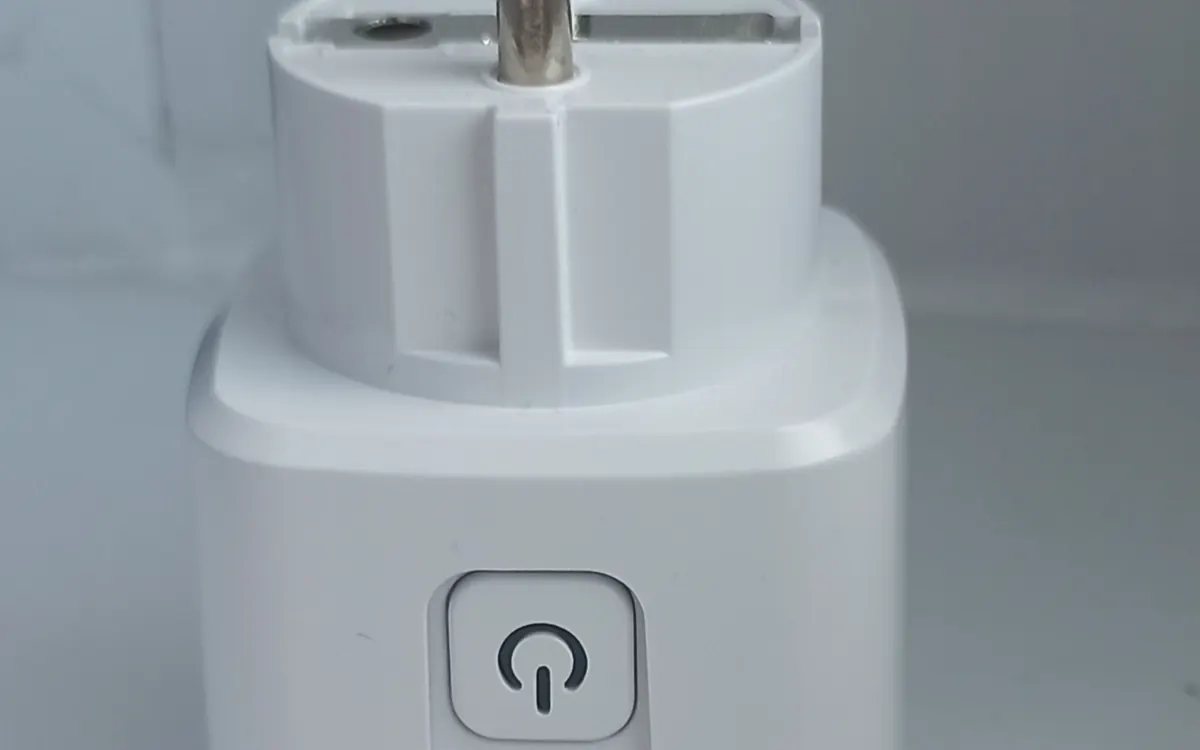
A smart plug is the ideal first device: cheap, easy to set up and instantly useful for a lamp, fan or coffee machine. Look for:
- Matter over Thread plugs, such as the Eve Energy, to strengthen your Thread mesh.
- Matter over Wi‑Fi plugs, such as TP‑Link's Tapo P110M, if you have no border router.
- Energy monitoring if you want to see what appliances draw. Matter added energy reporting in 2024, but not every app shows it.
Each mains-powered Thread plug becomes a router for battery devices you add later.
Smart bulbs or a bridge
Lighting is where most people feel the smart home first. You have two routes:
- Individual Matter bulbs (for example Nanoleaf Essentials over Thread, or newer Philips Hue bulbs with Thread) for one or two rooms.
- A bridge with Matter support, such as the Philips Hue Bridge or IKEA Dirigera hub, if you plan lots of lights. Bridges bring in Zigbee bulbs and switches and expose them to Matter. Our guide on setting up Philips Hue with Matter walks through it.
If an existing lamp has a dimmer, check the bulb is meant for dimmer circuits, or replace the dimmer with a smart switch.
Contact and motion sensors
Sensors are what make a home smart rather than remote-controlled: lights that turn on when you walk in, or an alert when a window is left open. Battery sensors are where Thread shines, giving fast responses and long battery life. Examples include the Aqara Door and Window Sensor P2 and Eve Door & Window.
Start with one motion sensor in a hallway and one contact sensor on the front door, then build simple automations in your app.
A smart button
A physical button is the most underrated device. It lets guests and family control things without a phone or voice: one press for "lights off", a long press for "goodnight". Matter supports generic switches, and many Thread buttons last a year or more on a coin cell, according to their makers.
Climate: a thermostat or radiator valves
Once the basics work, heating is where a smart home can save money. Matter covers thermostats, and some makers, such as tado° with its tado X line, sell Thread-based thermostats and radiator valves. Before you buy, check your boiler or heat pump wiring and whether you need the maker's app for schedules. Our smart thermostat buying guide explains what to look for.
A smart lock (when you're ready)
A lock is not a first device. It needs a reliable network, a backup way in and a door it fits. When you're ready, a Matter over Thread lock offers quick response and good battery life. See our smart lock buying guide before you order.
Common mistakes to avoid
- Mixing too many apps. Pick one main ecosystem, and use multi-admin only where it helps.
- Ignoring Wi‑Fi coverage. Wi‑Fi Matter devices drop offline in weak spots; our mesh Wi‑Fi guide can help.
- Throwing away setup codes. Photograph the Matter QR code or keep the leaflet; you need it after a reset.
- Buying cameras for Matter today. Matter 1.5 added cameras in November 2025, but app and device support is still arriving. Choose a camera on its own merits for now.
Apple user? See our list of Apple Home compatible thermostats, locks and doorbells.
Frequently asked questions
What is the best first Matter device?
A smart plug. It is cheap, simple to set up and, if it uses Thread, strengthens the network for later battery devices.
Do I need a hub to start with Matter?
You need a Matter controller, which can be a smart speaker, display or streaming box you already have. Thread devices also need a Thread border router.
Should I choose Thread or Wi-Fi Matter devices?
Thread for battery devices like sensors and locks; Wi-Fi is fine for plugs and appliances where the signal is strong.
Can I mix brands?
Yes. Matter is designed so devices from different brands work in the same app.
More from Smart Home
View all →Read next
Half-Life: Alyx adds foveated rendering on PC: which GPUs work
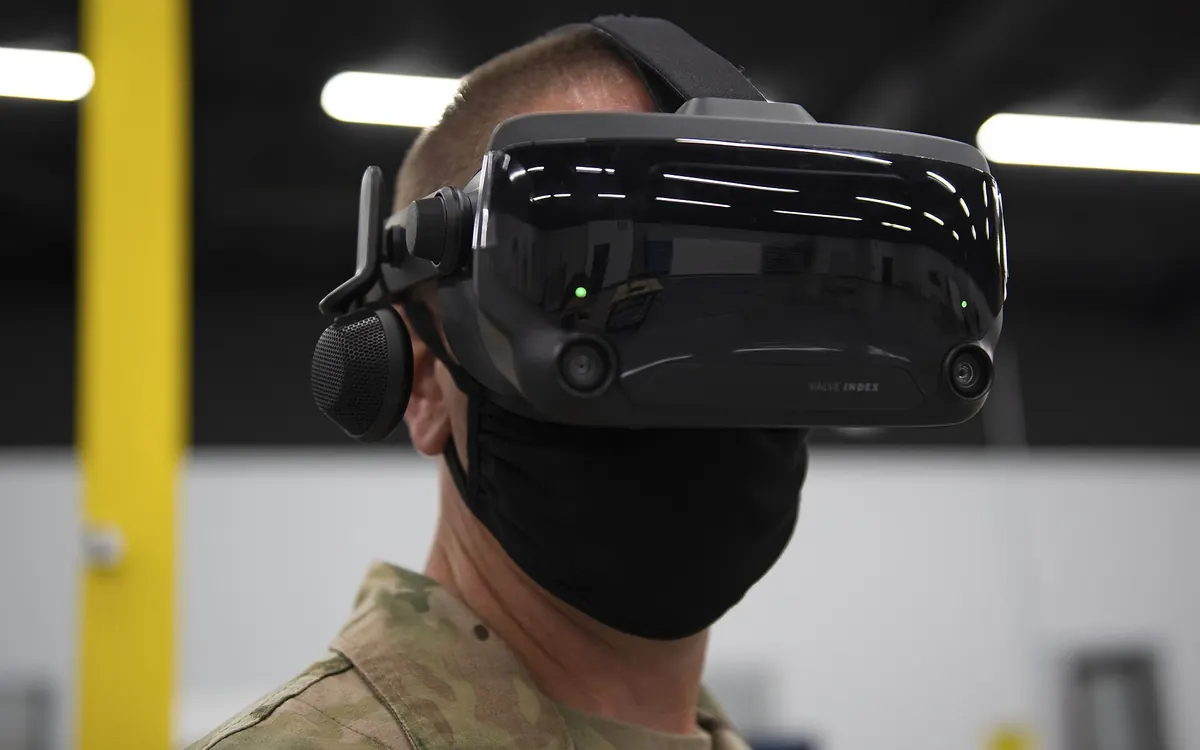
Valve's new Half-Life: Alyx patch adds a foveated rendering option on PC. It needs Nvidia GTX 16 or RTX 20 series or newer, AMD via Vulkan, and works best with eye tracking.

Iceberg A-81 reaches South Georgia after a 3-year drift
NASA satellite images show Antarctic iceberg A-81, about 1,550 km² of ice from the Brunt Ice Shelf, slowing at South Georgia's undersea shelf. Its route and why it matters.
Samsung Community goes offline for 72 hours: back up first
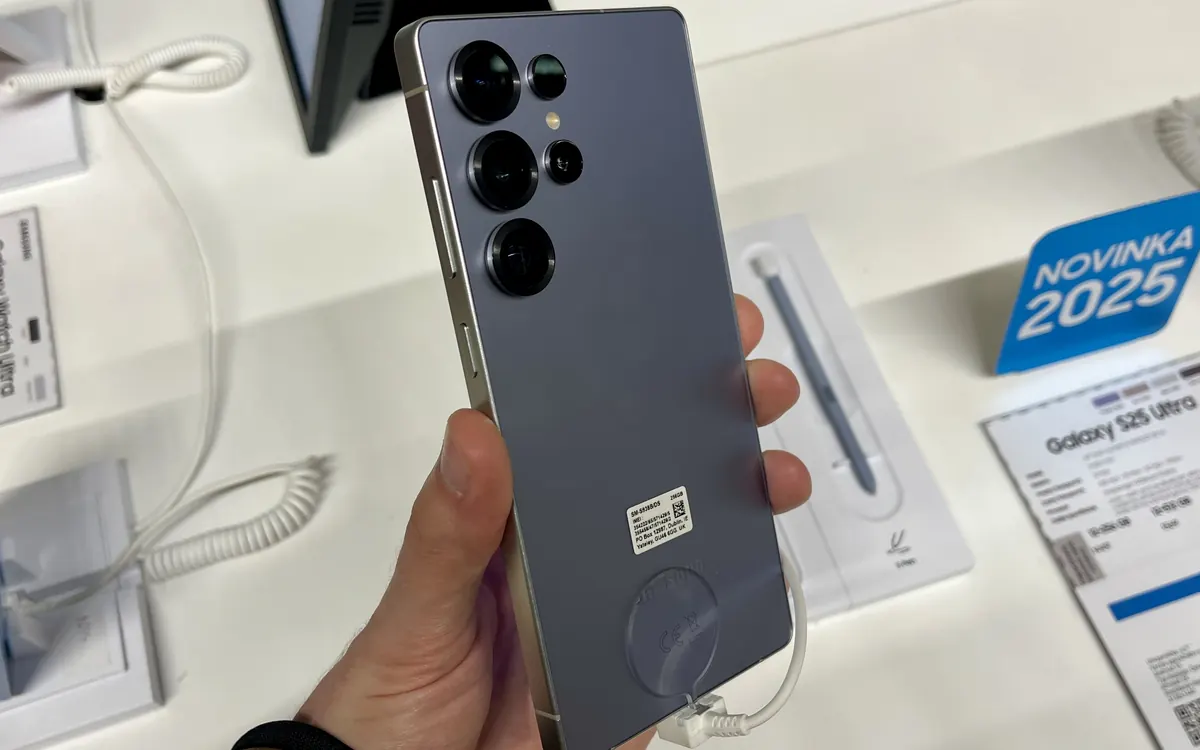
Samsung Community shuts for 72 hours from October 30 for an overhaul. DMs, drafts, bookmarks and subscriptions won't migrate. What to save and what changes after.