What Is Matter? The Smart Home Standard Explained (2026)
What Matter is, how it works with Wi‑Fi and Thread, which devices and apps support it in 2026, what you need to get started and where it still falls short.
LandGadget Newsroom · · 6 min read
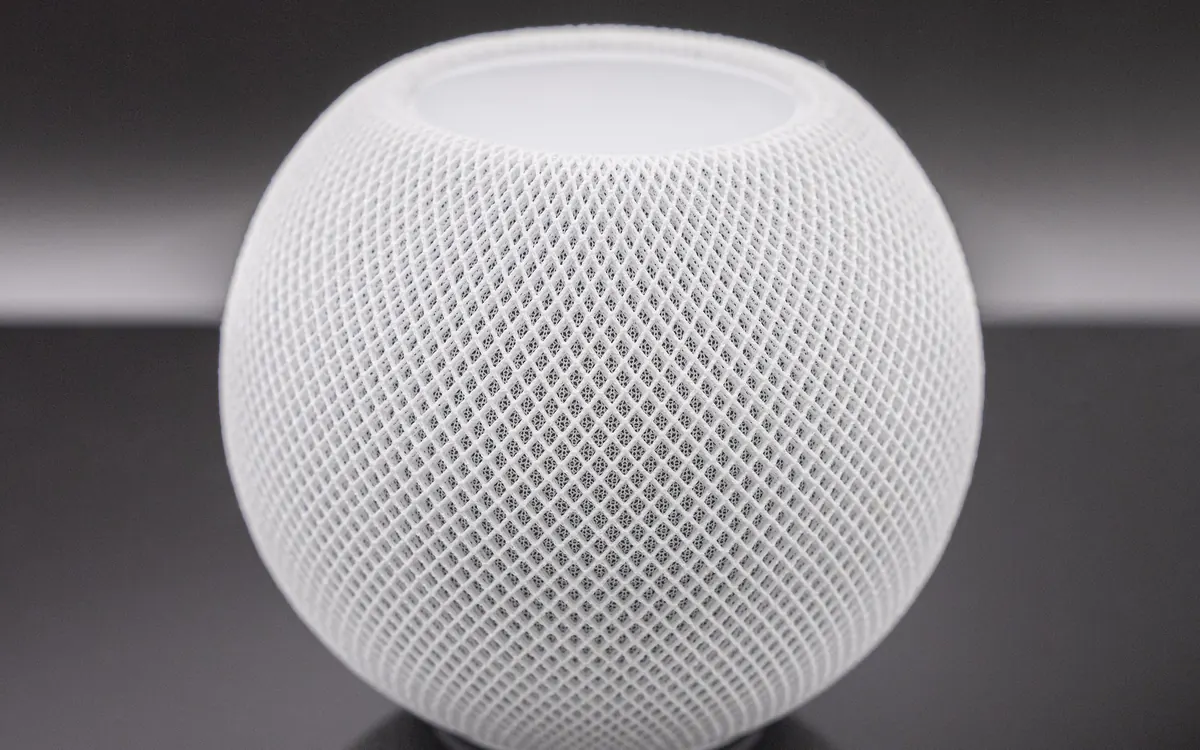
Matter is the closest the smart home has come to a universal plug. Instead of checking whether a bulb, plug or lock works with Apple Home or Google Home or Alexa, you buy a device with the Matter logo and it should work with all of them. This guide explains what Matter actually is, what you need at home, what it supports in 2026 and where the gaps still are.
If you want the short version focused on the networking side, our Matter and Thread explainer is a good companion read.
What Matter is
Matter is an open, royalty-free application standard for smart home devices. It is managed by the Connectivity Standards Alliance (CSA), the group formerly known as the Zigbee Alliance, and was developed with Apple, Google, Amazon, Samsung and hundreds of other companies. Version 1.0 launched in autumn 2022.
"Application standard" is the important part. Matter defines a common language: what a light, a thermostat or a door lock is, which commands it accepts ("turn on", "set to 21 °C", "lock") and how it reports its state. It also defines how a device is securely added to your home. It does not invent a new radio; it rides on networks you already know.
How Matter works
It runs over IP networks
Matter devices talk over IP, the same family of protocols your laptop uses. In practice that means three transports:
- Wi‑Fi for devices that need bandwidth or are always on mains power: plugs, cameras, some thermostats and appliances.
- Ethernet for hubs and bridges.
- Thread, a low-power mesh network for battery devices like sensors, locks and buttons, plus bulbs and plugs that relay traffic for them.
Bluetooth Low Energy is used only during setup, to hand the new device your network details.
Controllers and border routers
To use Matter you need a controller: a device that adds and runs your accessories. Common ones are an Apple HomePod or Apple TV, a Google Nest speaker or display, an Amazon Echo, a SmartThings hub or a Home Assistant server.
For Thread devices you also need a Thread border router, which links the Thread mesh to your Wi‑Fi. Many controllers include one already, so check before you buy a separate hub.
Local control and multi-admin
Two ideas make Matter different from older "works with" integrations:
- Local control. Commands travel over your home network, not through the manufacturer's servers. That makes many devices faster and keeps them working if the internet drops. Our guide to smart homes without internet explains what still needs the cloud.
- Multi-admin. One device can be shared with several ecosystems at once. A plug can sit in Apple Home for you and in Google Home for your partner, and both control it directly.
What you need to get started
- A controller from the ecosystem you prefer. Many homes already have one in the form of a smart speaker or streaming box.
- A Thread border router if any device uses Thread. It is often the same box as the controller.
- A phone app: Apple Home, Google Home, Amazon Alexa, SmartThings or Home Assistant.
- A Matter device with the Matter logo and a setup QR code or 11-digit code. Keep that code: you'll need it if you ever reset the device.
Setup is the same everywhere: tap Add device, scan the QR code, choose a room. Our Matter starter kit guide suggests which devices are best to begin with.
Which devices Matter supports
Matter adds device types with each release. By 2026 the specification covers:
| Category | Added in | Notes |
|---|---|---|
| Lights, plugs, switches | 1.0 (2022) | The most mature category |
| Locks, blinds, thermostats | 1.0 (2022) | Extras like fingerprint enrolment may still need the maker's app |
| Sensors, bridges, TVs | 1.0 (2022) | Bridges bring older Zigbee devices into Matter |
| Robot vacuums, appliances | 1.2 (2023) | Support varies a lot by app |
| Energy, heat pumps, solar | 1.3–1.4 (2024) | Energy reporting and management |
| Cameras, doorbells, closures | 1.5 (Nov 2025) | Products and app support still rolling out |
Where Matter still falls short
Matter has made buying easier, but it is not finished.
- Apps lag behind the spec. A category can exist in Matter for months before Apple, Google or Amazon support it in their apps, and each one picks different features.
- Basic controls first. Matter covers the core functions. Advanced settings, firmware updates or camera recording may still need the maker's app or a subscription.
- Thread networks can fragment. Border routers from different brands don't always join the same Thread network, which can lead to two separate meshes. This is improving but still trips people up.
- Setup codes matter. Lose the code and a reset device can be hard to re-add, so photograph it when you unbox.
Matter vs Thread, Zigbee and Z‑Wave
Matter is often lumped in with radio protocols, but it sits at a different layer. Thread is a network Matter can use; Zigbee and Z‑Wave are older, complete systems with their own hubs. Our Matter vs Thread vs Zigbee vs Z‑Wave comparison goes through the differences and when each still makes sense.
Should you buy Matter devices in 2026?
For new purchases, mostly yes. Matter gives you freedom to switch ecosystems, local control and a simple setup. Prefer Matter over Thread for battery devices and Matter over Wi‑Fi for plugs and appliances with a strong signal. If you already have a working Zigbee or HomeKit setup, there is no need to replace it: bridges and multi-admin let old and new devices live side by side.
Apple users can check our list of Apple Home compatible thermostats, locks and doorbells.
Frequently asked questions
Is Matter the same as Thread?
No. Matter is the common language devices speak. Thread is one of the networks it can travel over, alongside Wi-Fi and Ethernet.
Does Matter need the internet?
Not for basic control. Matter works on your local network, though remote access, voice assistants and some features still use the cloud.
Do I need a hub for Matter?
You need a controller, which is often a smart speaker, display or streaming box you already own. Thread devices also need a Thread border router.
Can a Matter device work with Apple Home and Google Home at the same time?
Yes. Multi-admin lets you share one device with several ecosystems by generating a new pairing code from the first app.
Are old smart home devices compatible with Matter?
Some got Matter through firmware updates, and bridges such as the Philips Hue Bridge expose older devices. Otherwise look for the Matter logo on new products.
More from Smart Home
View all →Read next
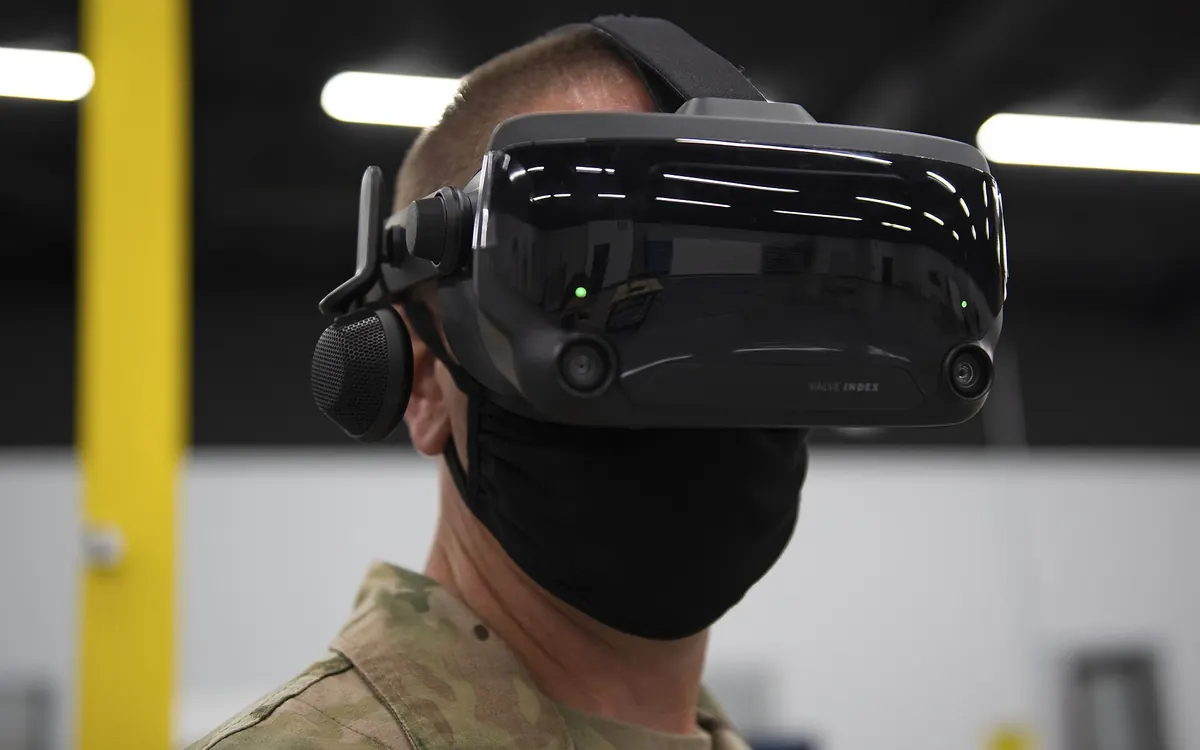
Half-Life: Alyx adds foveated rendering on PC: which GPUs work
Valve's new Half-Life: Alyx patch adds a foveated rendering option on PC. It needs Nvidia GTX 16 or RTX 20 series or newer, AMD via Vulkan, and works best with eye tracking.

Iceberg A-81 reaches South Georgia after a 3-year drift
NASA satellite images show Antarctic iceberg A-81, about 1,550 km² of ice from the Brunt Ice Shelf, slowing at South Georgia's undersea shelf. Its route and why it matters.
Samsung Community goes offline for 72 hours: back up first
Samsung Community shuts for 72 hours from October 30 for an overhaul. DMs, drafts, bookmarks and subscriptions won't migrate. What to save and what changes after.