Half-Life: Alyx adds foveated rendering on PC: which GPUs work
Valve's new Half-Life: Alyx patch adds a foveated rendering option on PC. It needs Nvidia GTX 16 or RTX 20 series or newer, AMD via Vulkan, and works best with eye tracking.
LandGadget Newsroom · · 2 min read
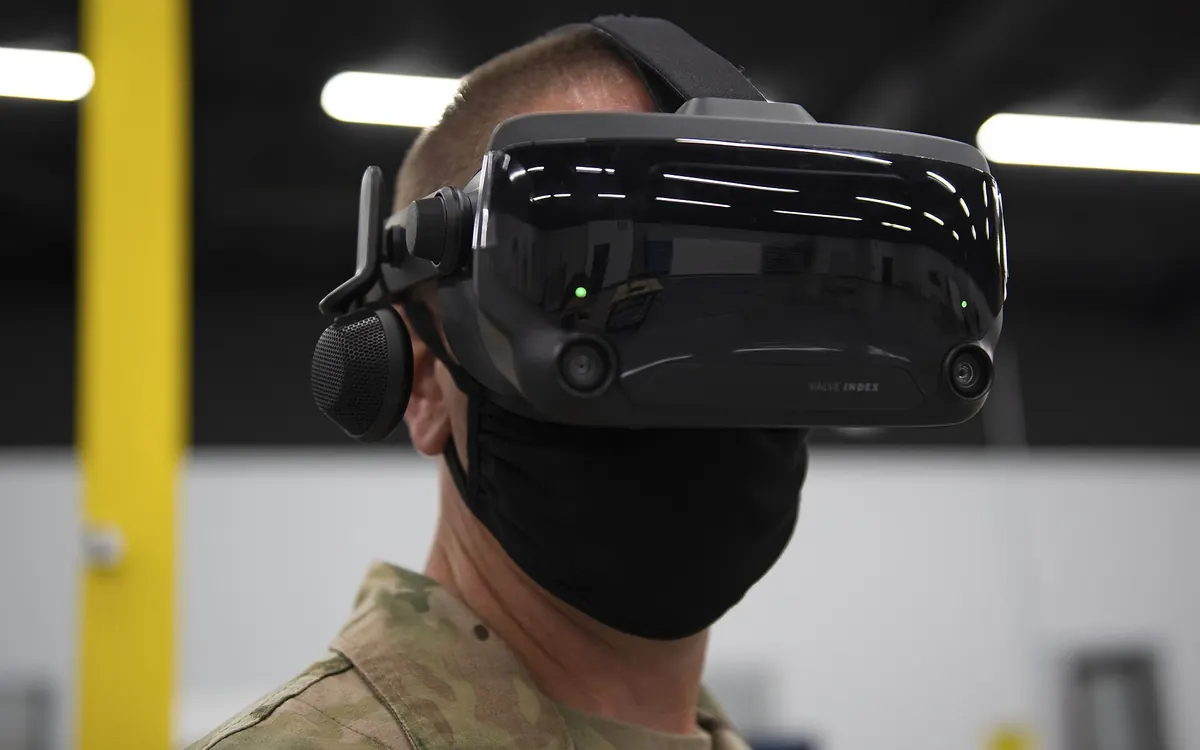
Half-Life: Alyx hadn't had a major update since 2022. Then Valve ported it to the Snapdragon-powered Steam Frame, and now that work has spilled over to the PC version: a new patch adds foveated rendering for PC VR headsets, PC Gamer reports.
Where to find it and what you need
The option sits under Advanced Performance in the settings. Valve's patch notes say it works on "supported hardware": on DirectX that means Nvidia GTX 16xx and RTX 20xx cards or newer, while AMD GPUs need the game started with the -vulkan launch option. Valve says it "can increase rendering performance" and recommends enabling eye tracking on your headset for the best results.
How it works
Foveated rendering draws the edges of the image at lower quality than the centre, which lowers the load on your graphics card. With eye tracking, the sharp area follows your gaze, so wherever you look is rendered at full quality. Without eye tracking, the sharp zone stays fixed in the middle of the view. You can technically switch it on with any headset.
Our take
This is a free performance boost for anyone running Alyx on a high-resolution headset with a mid-range card. PC Gamer's tester says the boundary between sharp and blurry areas can be noticeable as you move your eyes, so it's worth trying both ways. If your GPU is struggling in VR more generally, our graphics card buying guide explains which specs matter.
More from Gaming
View all →Read next
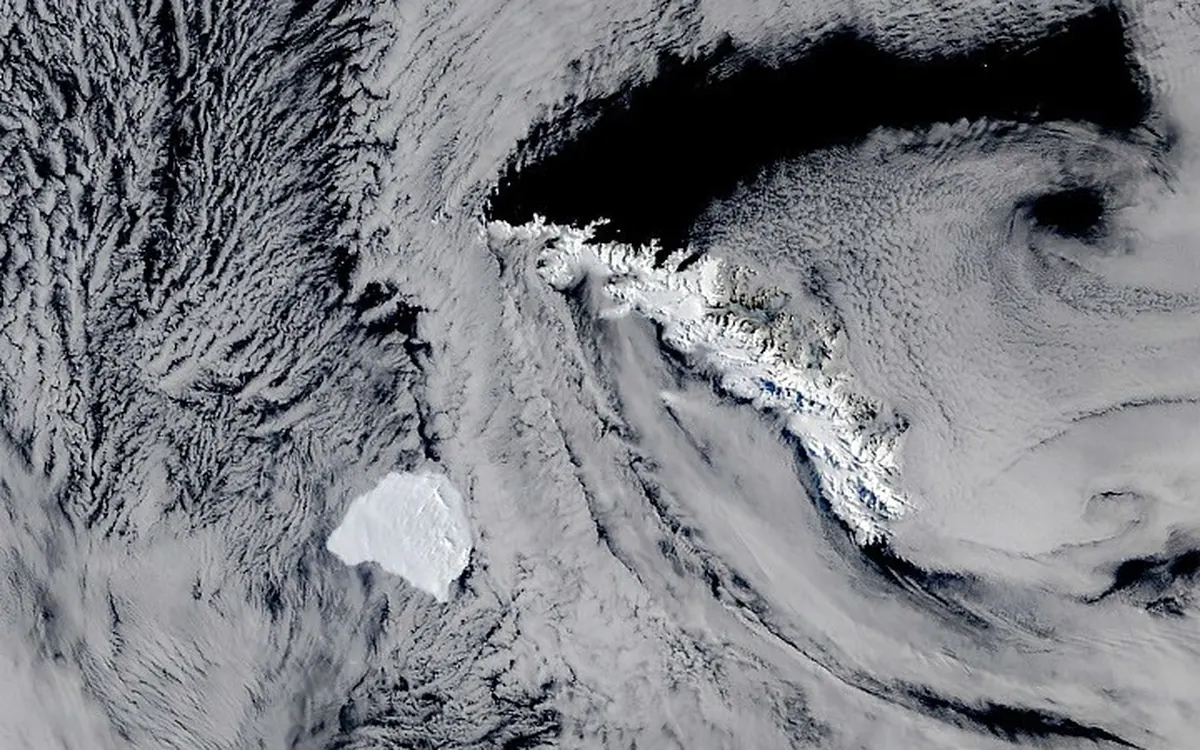
Iceberg A-81 reaches South Georgia after a 3-year drift
NASA satellite images show Antarctic iceberg A-81, about 1,550 km² of ice from the Brunt Ice Shelf, slowing at South Georgia's undersea shelf. Its route and why it matters.
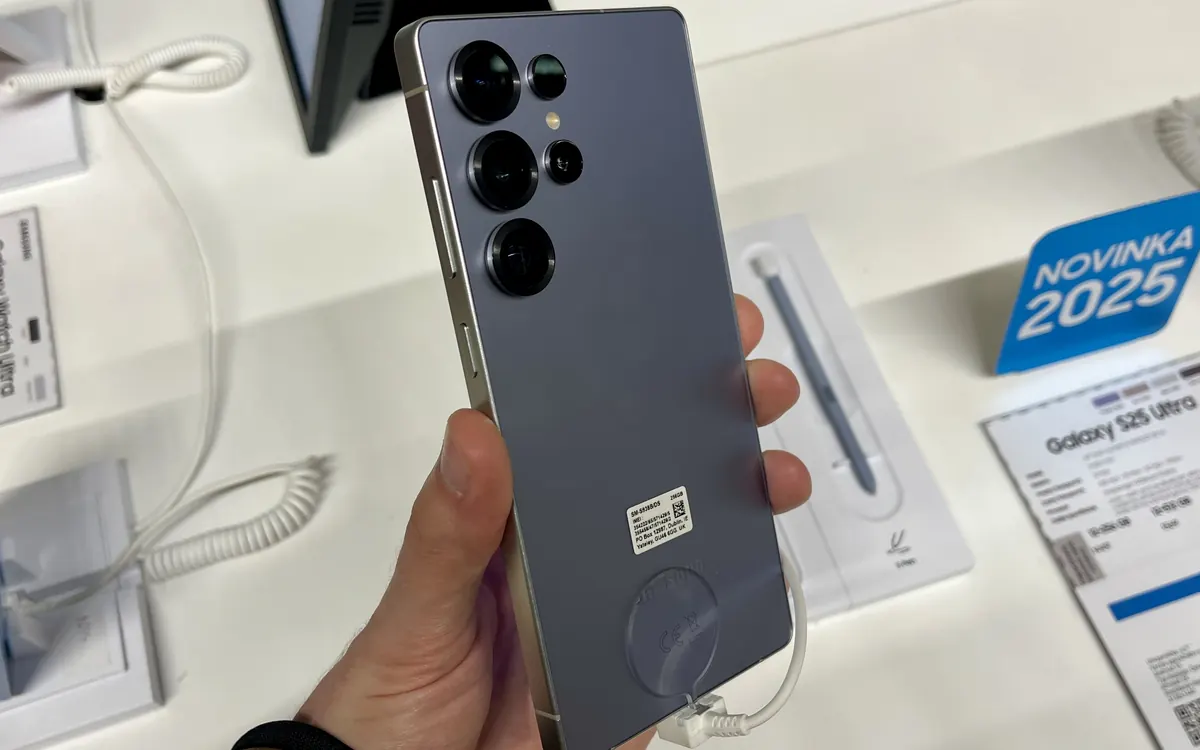
Samsung Community goes offline for 72 hours: back up first
Samsung Community shuts for 72 hours from October 30 for an overhaul. DMs, drafts, bookmarks and subscriptions won't migrate. What to save and what changes after.
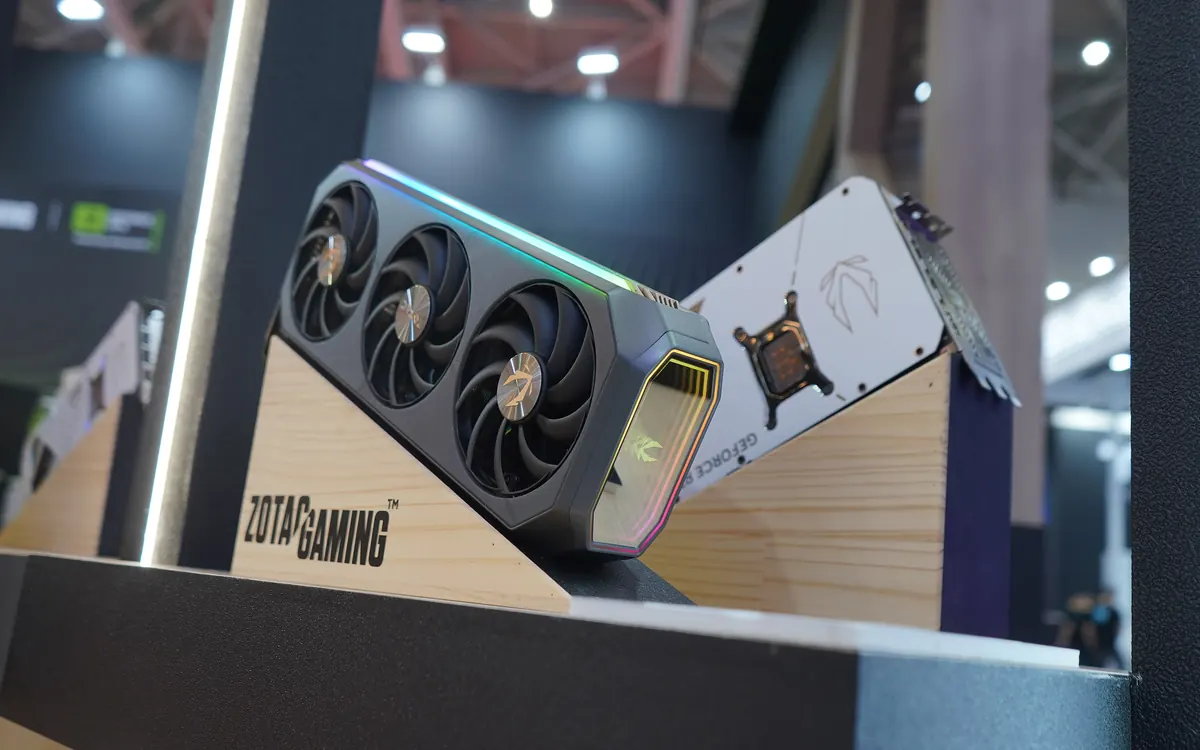
How much VRAM do you need to run AI models locally?
How much VRAM you need for local LLMs: a simple formula for model weights, quantisation and KV cache, worked examples, and which GPU memory tier fits which model.