Quick Share will back up Android photos to your Windows PC automatically
Google's November Play services notes list automatic photo and video backup from Android to Windows via Quick Share. How it should work, and the Samsung catch.
LandGadget Newsroom · · 2 min read
Android phones are getting a built-in way to copy photos to a PC without Google Photos storage. Google's November 2026 System Services release notes list "automatic backing up photos/videos from an Android to Windows using Quick Share" as part of Google Play services v26.43, tagged for both phones and PCs, Android Authority reports.
How it should work
Google's note is a single line, so the details come from earlier app teardowns. Based on strings in Play services, setup starts in the Quick Share for Windows app, with the phone nearby and both devices signed in to the same Google account. After that, Quick Share should save new photos and videos to the PC automatically, "no cables or cloud subscriptions needed". The backup itself is expected to travel over your local Wi-Fi rather than through the cloud. If transfers between phone and PC are slow at home, our explainer on 2.4GHz vs 5GHz Wi-Fi can help.
The Samsung catch
Teardowns in July and October found text saying Samsung phones and PCs aren't currently supported; Samsung users are pointed to Samsung's own Quick Share app. Google's release note doesn't mention the restriction, so it is not yet clear whether it applies at launch.
When you'll get it
Play services updates roll out gradually, and a changelog entry doesn't mean the feature is live for everyone; some take months. Keep the Quick Share app on your PC updated. You can see your Google System version under Settings > Google services > All services > Privacy & security > System services (on a Pixel, tap your name at the top of Settings).
A local copy is only as safe as the PC that holds it, so keep a second backup of anything you can't lose. Quick Share is also opening up to more apps: see our earlier report on the Quick Share SDK for Android and iOS apps.
More from Smartphones
View all →Read next
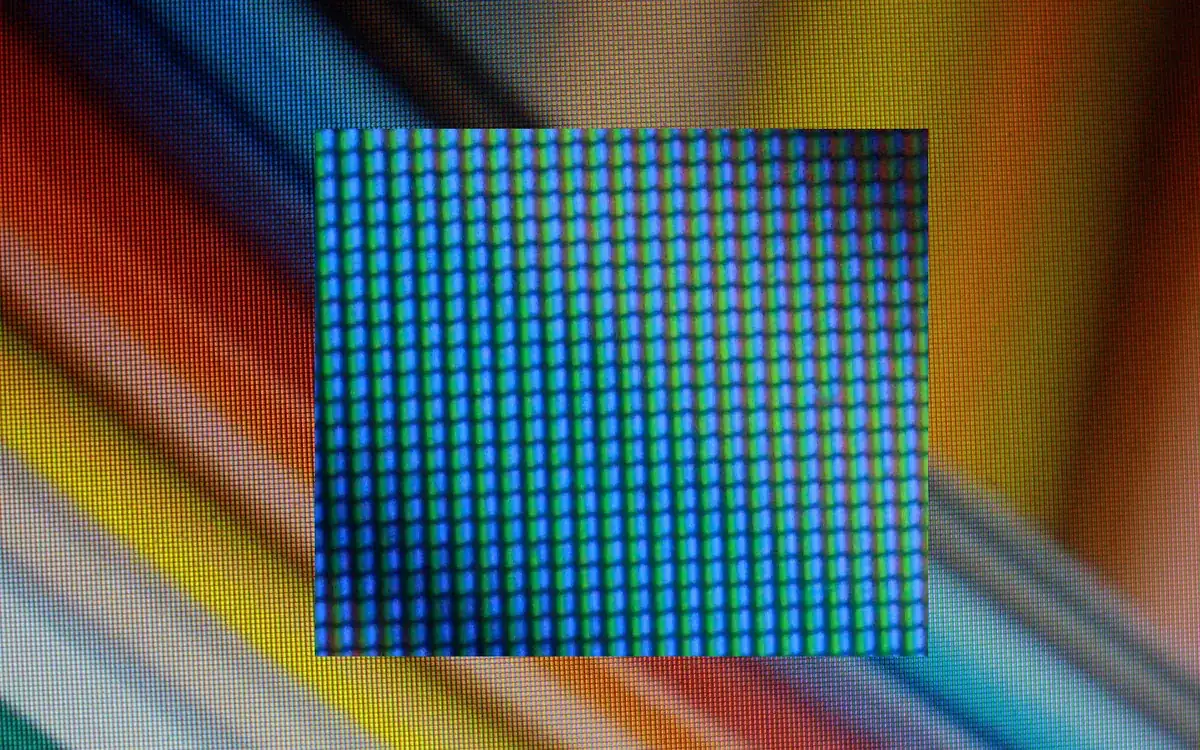
IPS vs VA vs OLED (and TN): which monitor panel type should you buy?
IPS vs VA vs OLED vs TN monitors compared: contrast, colour, viewing angles, response time, burn-in and price, with the best panel for gaming, work and movies.
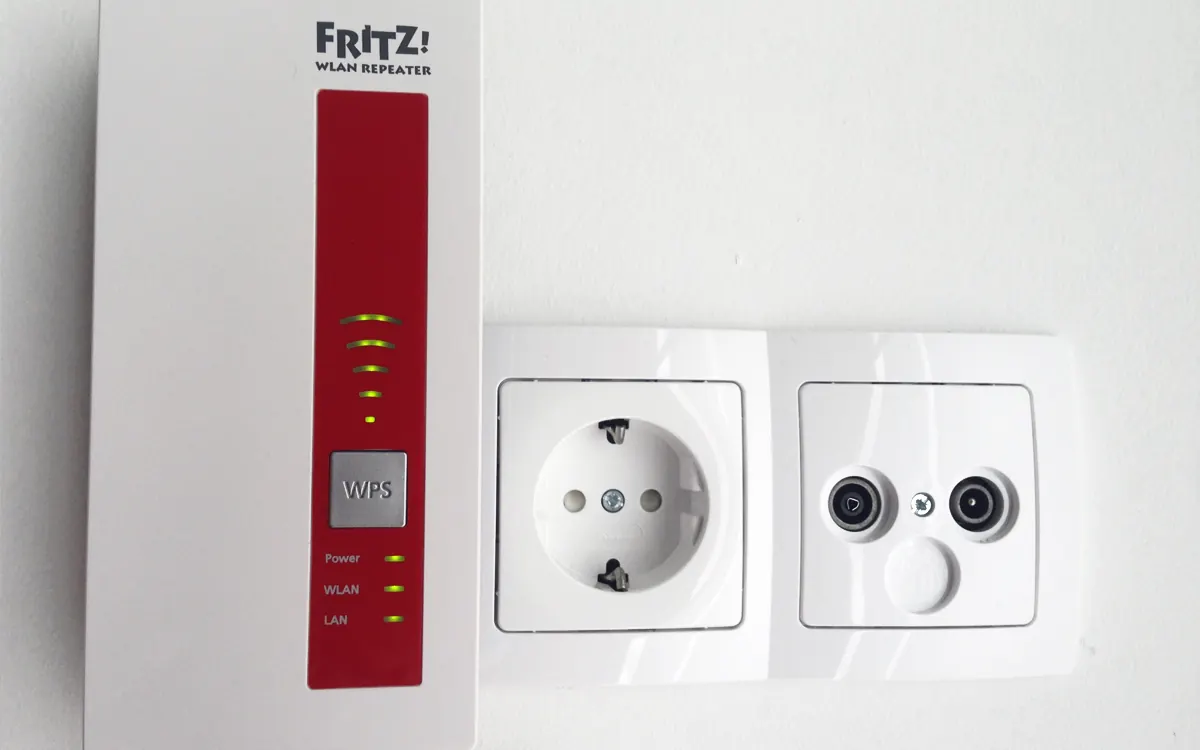
Wi-Fi extender vs mesh: which fixes dead zones?
Wi-Fi extender vs mesh system explained: how each works, speed loss, roaming, cost, when a cheap extender is enough and when mesh or a wired access point is better.
144Hz vs 240Hz: which refresh rate do you need?
60Hz vs 144Hz vs 240Hz explained: what refresh rate really changes, the frame rate your PC needs, which games benefit, and when 360Hz or 500Hz is worth it.