Google's Quick Share SDK will put file sharing inside Android and iOS apps
Google announced a Quick Share SDK at Android Dev Summit 2026. Due in the first half of 2027, it lets Android and iPhone apps send files directly.
LandGadget Newsroom · · 2 min read
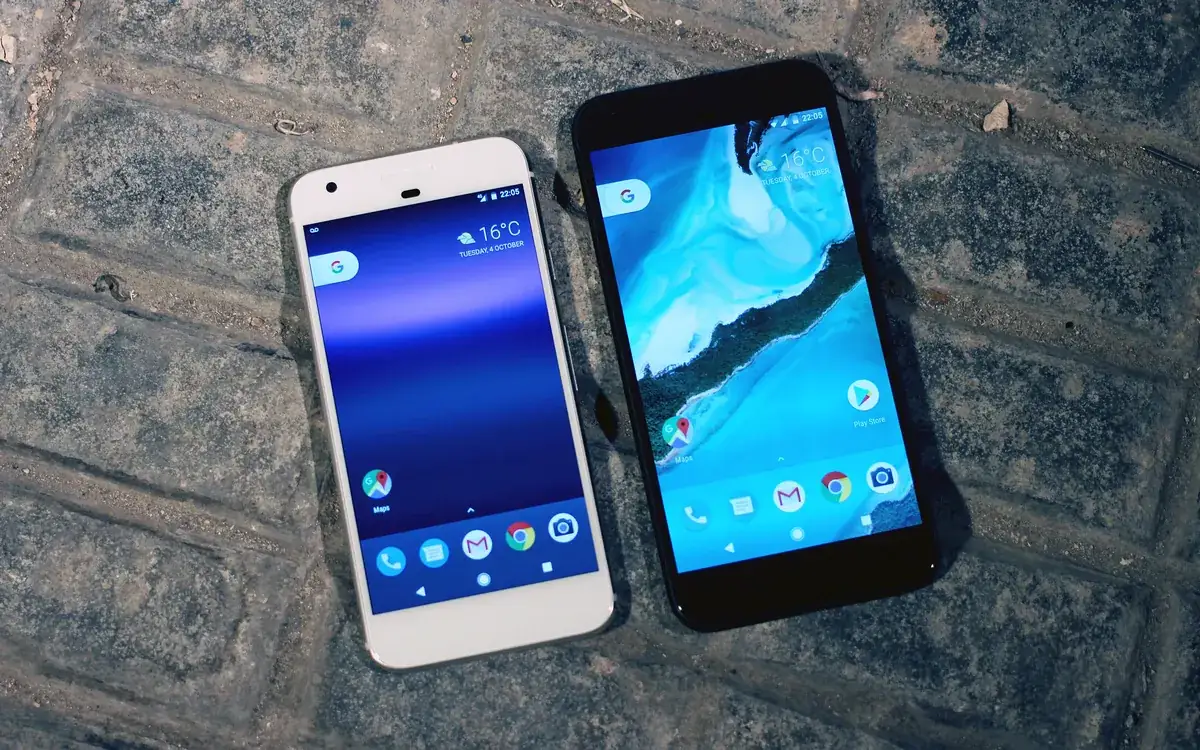
Quick Share, Android's answer to AirDrop, is about to escape the system menu. At Android Dev Summit 2026, Google announced a Quick Share SDK that lets developers build peer-to-peer file transfers straight into their apps, 9to5Google reports. The SDK is due in the first half of 2027.
What changes for users
Today, sharing a photo or document with Quick Share usually means opening the Android share sheet and then the full-screen Quick Share interface. With the SDK, an app can offer Quick Share itself. Google says tapping it will open a bottom sheet showing a preview of the files being sent, so you stay inside the app you were using.
Google is also building a Quick Share SDK for iOS. That means an iPhone app could offer the same feature — useful for apps that are used across both platforms, such as photo editors, messengers or file managers.
What Google promises
According to Google's pitch to developers:
- End-to-end encryption: transfers are encrypted between the two devices and travel over local connections.
- Speed: the SDK handles hotspot creation automatically and uses Wi‑Fi Direct on supported devices for low latency and high transfer speeds.
- No compression: photos and videos can be sent at full quality.
- Offline use: it works without a mobile network, which helps where data is expensive or patchy.
- No servers: developers don't need to run their own infrastructure to move files between users.
Google hasn't yet said which Android versions or iOS versions the SDK will support, or how pairing between an Android phone and an iPhone will look inside third-party apps. We'll update when the documentation is published.
Why it matters
Local, direct transfers avoid uploading large files to a cloud service and back, which is faster and keeps fewer copies of your data on other companies' servers. Because Quick Share uses Wi‑Fi and Bluetooth radios directly, transfers are usually quickest when both phones are close together; if you're curious why different radio bands behave so differently, see our new guide to 2.4GHz vs 5GHz Wi‑Fi. And if a new feature ever pushes you to install an unfamiliar companion app, our checklist on spotting fake apps on Google Play is worth a minute first.
More from Smartphones
View all →Read next

144Hz vs 240Hz: which refresh rate do you need?
60Hz vs 144Hz vs 240Hz explained: what refresh rate really changes, the frame rate your PC needs, which games benefit, and when 360Hz or 500Hz is worth it.
2.4GHz vs 5GHz Wi-Fi: which band should you use?
2.4GHz vs 5GHz Wi-Fi explained: range, speed and interference, why smart home devices need 2.4GHz, when 6GHz helps, and how to fix devices that won't connect.
EV charging connector types explained: Type 2, CCS, NACS
Type 1, Type 2, CCS1, CCS2, CHAdeMO, NACS and GB/T: which EV plug your car uses, which chargers fit, where each is used and when an adapter is safe to use.