Gemini for Home now really stops when you say "stop"
Google Home's October update makes Gemini go silent on "stop", fixes timers and music that kept going, respects Celsius settings and speeds up light controls.
LandGadget Newsroom · · 3 min read
On this page
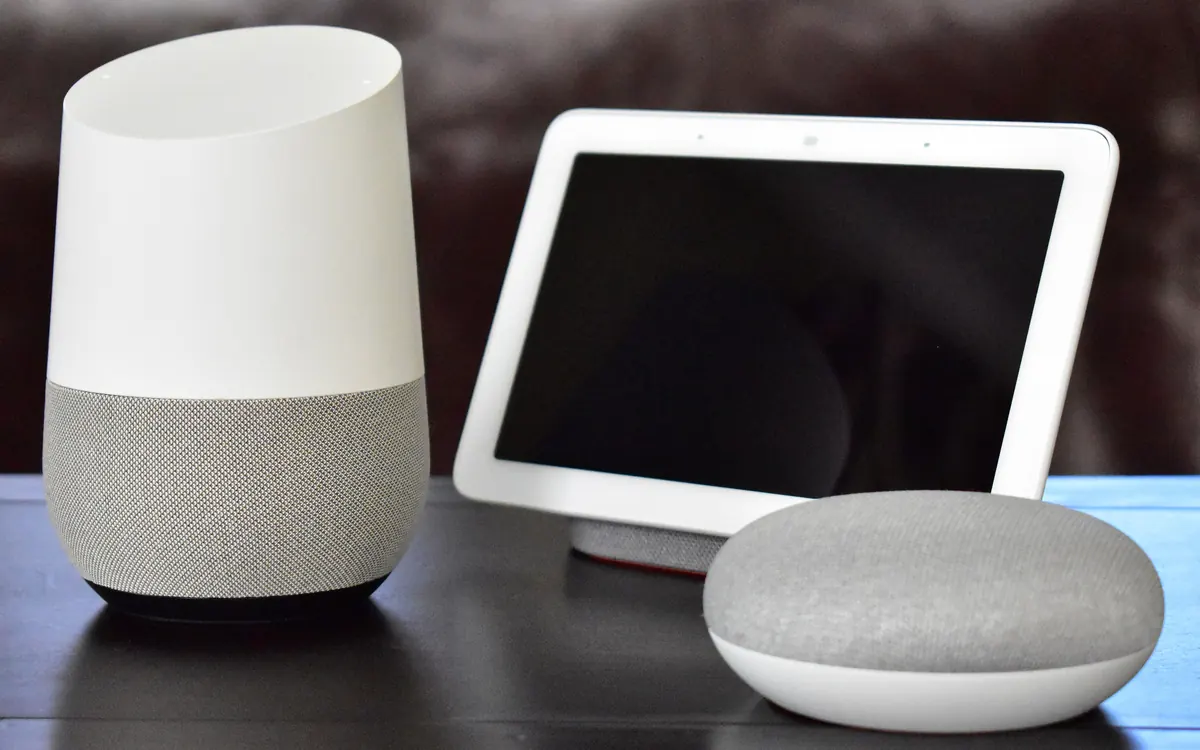
Google's latest round of Google Home release notes, dated 14 October, is mostly about manners: Gemini for Home is learning when to talk and when to be quiet. The Ambient notes that the changes are rolling out now, but Home updates arrive in waves, so yours may take a few days. Here's what changes on your speakers, displays and in the app.
"Stop" means silence
Until now, telling Gemini to stop could trigger a chirpy reply, which defeats the point. Google now treats two kinds of endings differently. A polite or neutral sign-off such as "Thank you" gets a brief goodbye. A direct command to stop talking makes Gemini close the microphone immediately without saying anything.
"Stop" also stops the music
A related fix covers the opposite problem. Saying "stop" could be read as "end the conversation" while your music, timer or alarm kept going. Google says "stop" now reliably stops the active media, timer or alarm.
Weather in your units
Spoken weather forecasts now follow the home-wide Fahrenheit or Celsius setting in the Google Home app (Home settings → Temperature units). If your thermostat shows Celsius, the forecast should too.
Relaxing music is actually music
Ask for "relaxing music", "spa music" or "meditation music" and Gemini should now play tracks from your linked music service instead of ambient sounds like white noise or rain. On smart displays such as the Nest Hub, on-screen text also scrolls faster so it keeps up with the spoken answer.
Snappier app controls
In the app, Google has rebuilt the controls for third-party lights, plugs and switches to feel more responsive. On the full-screen controller for most lights, plugs, switches, fans and air purifiers, you can now swipe up for a panel with favourites, device history, help articles, feedback and full settings. Smoke and CO alarms now leave a banner in the app once they clear, and several camera playback bugs are fixed on iOS and Android.
Local Matter control
The biggest under-the-hood change is local control: existing Philips Hue bridges switch to local Matter control through Google Home hubs without re-pairing, which we covered in our Hue story. Other compatible Matter devices paired with a compatible hub can run locally too. If you're new to the standard, start with our Matter and Thread explainer.
One caveat: Google says its release notes are "generated with the help of Gemini" and may need corrections, so small details could still shift. Google has also been testing new firmware for older speakers.
More from Smart Home
View all →Buying guide
How to choose a home security camera in 2026
Read next
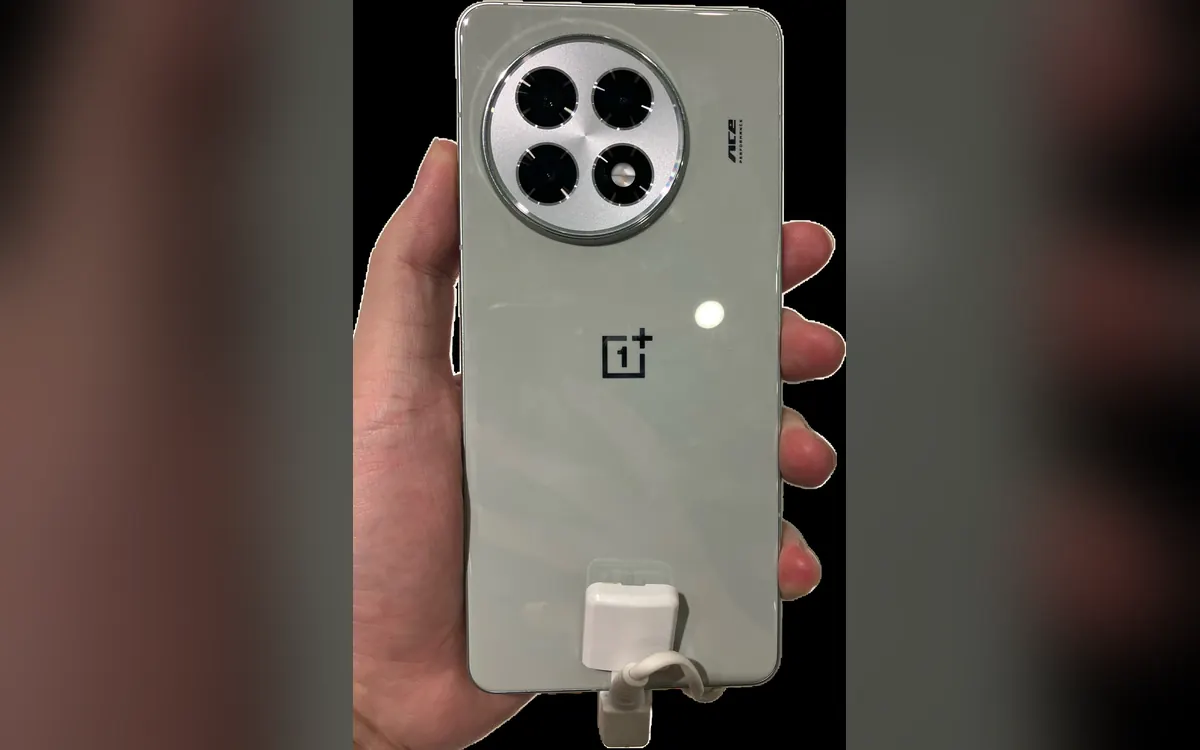
OnePlus Ace 7's fan blows two ways to keep your hands cool
OnePlus says the Ace 7 series' built-in fan splits its airflow between the chip and the back panel and keeps hot air off your fingers. Why that detail matters.

Switch Sports Resort lands Oct 22: what's in all 12 sports
The Switch 2 exclusive Switch Sports Resort arrives on 22 October with 12 motion-control sports on Wuhu Island, including Skateboarding and Thumb Wrestling.

ALMA's 'cosmic hamburger' shows how giant planets may form
ALMA slices the edge-on disk known as Gomez's Hamburger into layers of gas and dust and spots a clump that may be a giant planet in the making. What it shows.