Instagram arrives on Apple TV with Reels and live shows
Instagram's official Apple TV app is out: Reels, longer videos and live shows on the big screen. It needs tvOS 26, follows Fire TV, Google TV and Samsung TVs.
LandGadget Newsroom · · 2 min read
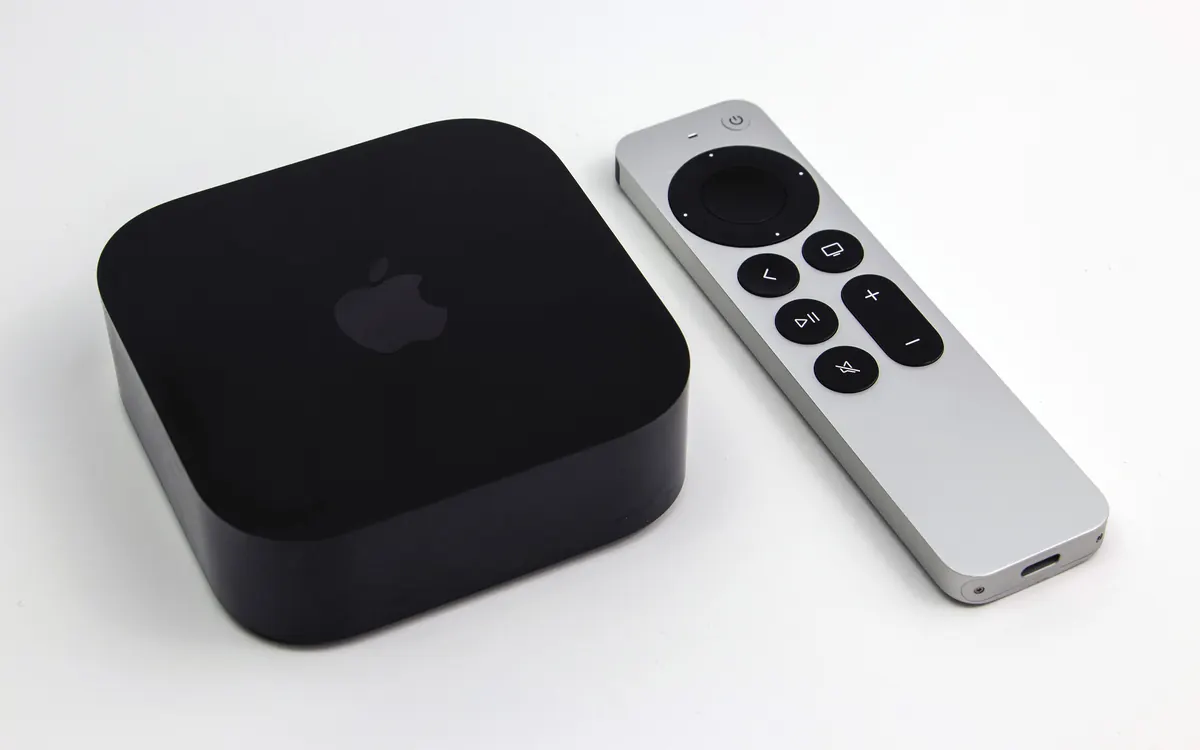
Instagram has quietly landed on the living-room box many iPhone owners already have. The official Instagram app is now available on Apple TV, bringing Reels, longer videos and live shows to the big screen for the first time, MacRumors reports.
When it launched
There was no big announcement. MacRumors says the app appears to have gone live on 23 October: Apple's TV-specific release data dates version 66.0 to that day, while an archived App Store listing from 19 October still showed only iPhone and iPad support. Third-party Instagram viewers have existed on Apple TV for a while, but this is the first app from Instagram itself.
What you can do
According to the app's description, you can:
- watch Reels from creators you follow and discover new ones;
- play longer videos and live shows;
- resume something you started on your phone;
- watch together with friends and family on the TV.
The App Store screenshots show a Reels-first home screen with Stories along the top and a "For you" grid below.
How to get it
The app is free and needs tvOS 26.0 or later. Update the Apple TV under Settings > System > Software Updates, then search for Instagram in the App Store on the box and sign in.
Part of a wider TV push
Apple TV is late to the party. Meta began testing Instagram for TV on Amazon Fire TV in the US in December 2025, then expanded to Google TV in February 2026 and Samsung smart TVs in June. On Fire TV, Meta said the app supports up to five accounts per TV and that Reels there broadly follow its 13+ content standards, since TVs are shared screens. In June, Meta also said it would add longer creator content, episodic series and live broadcasts, which now shows up in the Apple TV listing.
If you're thinking of upgrading the screen for this kind of viewing, our TV buying guide covers panel types and sizes. Streaming boxes also depend on a solid connection, so if video buffers in the living room, see our mesh Wi-Fi buying guide.
More from Smart Home
View all →Read next

FreeSync vs G-Sync: which matters for your monitor?
FreeSync vs G-Sync explained: how variable refresh rate works, the tiers (Premium, Pro, Compatible, Ultimate), GPU and console support, and what to buy in 2026.
How to update your router firmware safely: 8 steps
How to update router firmware step by step: find your exact model, back up settings, update via app or web page without bricking it, then lock down the router.

NASA's new Artemis plan: Earth-orbit test, landing in 2028
Artemis III becomes a 2027 Earth-orbit test with both commercial landers, and the first crewed landing moves to 2028 with whichever lander is ready first.