How to turn off smart TV tracking (ACR) on any brand
Step-by-step menu paths to switch off ACR and ad tracking on Samsung, LG, Vizio, Roku, Sony and Fire TV, plus why taking the TV offline is the surest fix.
LandGadget Newsroom · · 6 min read
On this page
Your smart TV is probably logging what you watch. A feature called automatic content recognition (ACR) captures short samples of the picture or sound, matches them against a database and sends the result to the TV maker or its partners. They use it for audience measurement and targeted ads. ACR doesn't care where the video comes from: streaming apps, a cable box over HDMI, a game console or an antenna can all be recognised.
Switching it off takes about five minutes. Menu names change between model years and firmware updates, so if a path below doesn't match your TV exactly, search the settings for the words in bold or look under "Privacy", "Terms" or "Support". Doing this on a new TV? Our TV buying guide explains how the smart platform affects privacy before you buy.
Samsung (Tizen)
Open Settings → All Settings → General & Privacy → Terms & Privacy (on some models, Privacy Choices). Turn off or withdraw consent for Viewing Information Services, which is Samsung's name for ACR. While you're there, also turn off Interest-Based Advertisement. On older Samsung TVs the same options sit under Support → Terms & Policies.
LG (webOS)
Go to Settings → All Settings → General → System → Additional Settings and switch off Live Plus, LG's ACR feature. Then check User Agreements in the same General menu and untick viewing information and interest-based advertising. Finally, open Advertisement and turn on Limit Ad Tracking.
Vizio
Press the menu button and open Settings → Admin & Privacy, then switch Viewing Data off. Older sets call it Smart Interactivity. Vizio has been here before: in 2017 it paid $2.2 million to settle US Federal Trade Commission charges that it collected viewing data without consent.
Roku TV (Roku, TCL, Hisense and others)
On TVs running Roku OS, go to Settings → Privacy → Smart TV Experience and untick Use Info from TV Inputs. Then open Settings → Privacy → Advertising and tick Limit ad tracking. Roku's terms say viewing inside its own Roku Channel can still be measured either way, so if that bothers you, watch elsewhere.
Sony and other Google TV sets
Google TV doesn't have a single ACR switch. Some Sony Bravia models use a third-party service called Samba Interactive TV, which you can disable under Settings (on some models it's in the Apps list), or decline during setup. For Google's own ad tracking, open Settings → Privacy → Ads and turn off ad personalisation or delete the advertising ID. Other brands on Google TV, such as TCL and Hisense models, may add their own viewing-data agreements, so check Settings → Privacy too.
Amazon Fire TV
On Fire TV sticks and Fire TV smart TVs, open Settings → Preferences → Privacy Settings and turn off Device Usage Data, Collect App Usage Data and Interest-based Ads. On Fire TV televisions made with partners, also look in the TV-specific settings for any viewing-information or "data from connected inputs" option.
Don't forget the ad settings
ACR and advertising are usually separate switches. Turning off ACR stops the TV from recognising what's on screen, but the advertising ID can still be used to personalise ads on the home screen and in apps. Reset or limit it on every TV and streaming stick you own. Voice assistants are separate again: if you don't use voice search, turn off the always-listening wake word too.
Check whether the switch really works
In October 2026 researchers at Northeastern University tested 12 TVs from 10 brands. After opting out, Samsung and Vizio TVs kept sending traffic consistent with ACR in many scenarios, while the opt-outs on LG, Sony Google TV, Fire TV and VIDAA worked as expected. The traffic was encrypted, so the researchers could not prove what it contained. You can read the details in our report on the smart TV opt-out study. The lesson: the toggle is worth flipping, but on some brands it may not be the whole answer.
Take the TV offline
The most reliable fix is not to connect the TV to the internet at all. Use it as a "dumb" screen and plug in a streaming box or stick (Apple TV, Google TV Streamer, Fire TV Stick or Roku) for apps. You still need to set the box's own privacy options, but it can't recognise what plays through other HDMI inputs. If the TV is already connected, forget the Wi-Fi network in its settings and unplug any Ethernet cable. Some TVs nag you to connect; you can ignore the prompt.
Block tracking domains at the router
If you'd rather keep the TV online, you can block known ACR servers with network-wide filtering such as Pi-hole, AdGuard Home or a router that supports DNS blocklists. The Northeastern team published a list of ACR domains for this purpose. Expect some trial and error, because blocking the wrong domain can break apps or updates. Keep your router up to date first; our guide to updating router firmware shows how, and our guide to a smart home that works without the internet explains how to put devices on their own network.
Frequently asked questions
What is ACR on a TV?
Automatic content recognition is software that samples what is on screen or the audio, matches it against a database and reports what you are watching, for audience measurement and advertising.
Does turning off ACR affect picture quality or apps?
No. Turning off ACR or ad personalisation does not change picture settings, and streaming apps keep working. You may see less relevant ads on the home screen.
Will a factory reset turn tracking back on?
Usually yes. A reset, and sometimes a major firmware update, can restore default agreements, so check the privacy settings again afterwards.
Is a TV without internet still useful?
Yes. With a streaming stick or box plugged into HDMI you get all the same apps, often with a faster interface, while the TV itself shares nothing.
More from Smart Home
View all →Read next

Dispatch hits iPhone and Android Dec 9, four episodes free
AdHoc Studio's superhero comedy Dispatch launches on iOS, Android and Google Play Games on PC on December 9: first four episodes free, full game $19.99.
How to update your router firmware safely: 8 steps
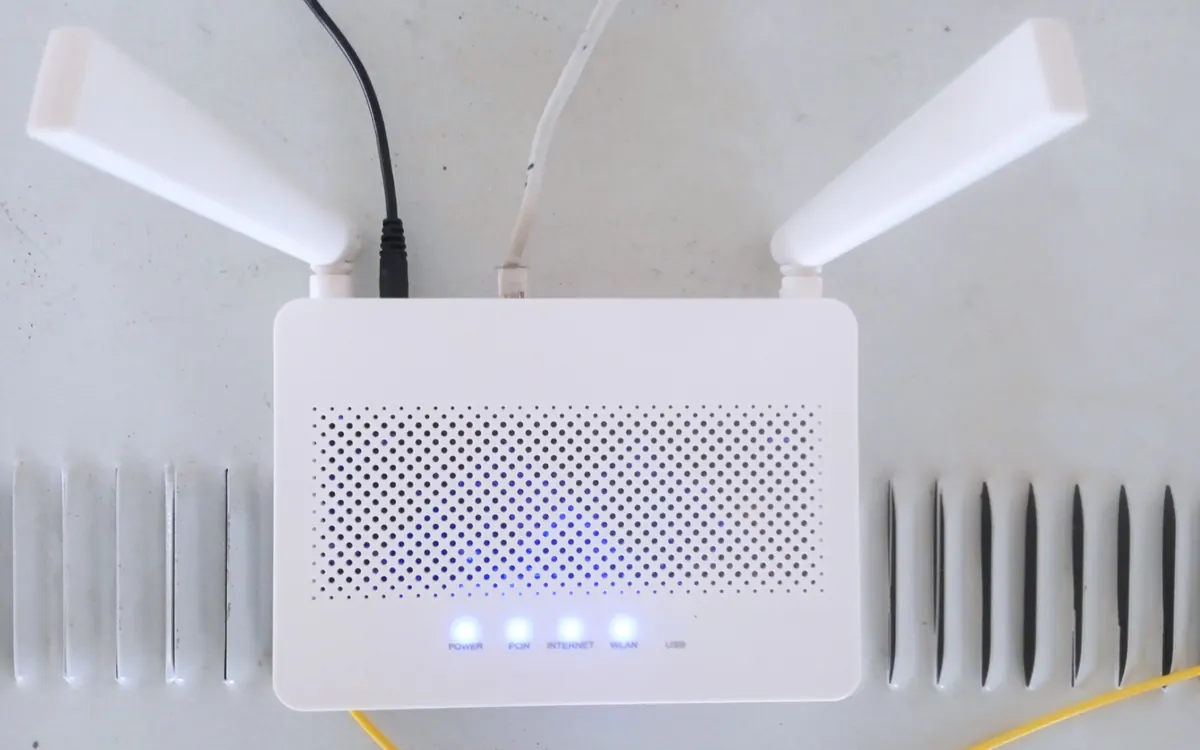
How to update router firmware step by step: find your exact model, back up settings, update via app or web page without bricking it, then lock down the router.

NASA's new Artemis plan: Earth-orbit test, landing in 2028
Artemis III becomes a 2027 Earth-orbit test with both commercial landers, and the first crewed landing moves to 2028 with whichever lander is ready first.