Microsoft: Windows 11 on 8GB PCs is now up to 40% faster at multitasking
Microsoft says new memory work makes 8GB Windows 11 PCs up to 20% more responsive and up to 40% faster at multitasking, keeping up to 2GB more data in RAM.
LandGadget Newsroom · · 2 min read

On this page
Microsoft says Windows 11 now runs noticeably better on PCs with just 8GB of RAM. In a Windows Experience Blog post on Tuesday, Windows chief Pavan Davuluri wrote that on 8GB PCs "Windows is now up to 20% more responsive, and multitasking is up to 40% faster in our lab test", compared with the January 2026 update.
The timing is not accidental: memory prices have risen sharply because of AI data-centre demand, and 8GB laptops have made a comeback in budget ranges.
What changed
- Smarter compression. Windows has compressed less-used memory for years; Microsoft says it has retuned how much to compress and when to fall back to the drive on 8GB machines. As a result, Windows can keep up to 2GB more active data in RAM, so apps and browser tabs you left open are less likely to reload.
- Priority for what you click. Opening Start, search, right-click menus, Settings, Snipping Tool and File Explorer respond up to 20% faster, because Windows briefly backs off background work such as search indexing while you're active. Edge can open up to 33% faster when it's already running in the background.
- Lighter apps. Microsoft says changes across Windows, Edge and Microsoft 365 cut committed-memory growth by up to 900MB. On 8GB PCs, Widgets no longer load until you open the panel, inactive Edge tabs sleep sooner, and Teams can turn on Efficiency Mode by default.
The 40% multitasking figure comes from a scripted workload on the same 8GB laptop: 20 Edge tabs, a 4K video, large Word, PowerPoint and Excel files, Outlook and File Explorer opened one after another. These are Microsoft's own tests, so real-world gains will vary.
How to get it
The improvements arrive through regular Windows 11 updates — install the latest updates from Settings → Windows Update. Microsoft notes that 16GB or 32GB PCs can still handle heavier workloads.
Deciding how much memory your next laptop needs? Our guide on how much RAM you need breaks it down by use, and how to upgrade laptop RAM explains whether yours can be expanded.
More from Computers & AI
View all →Read next
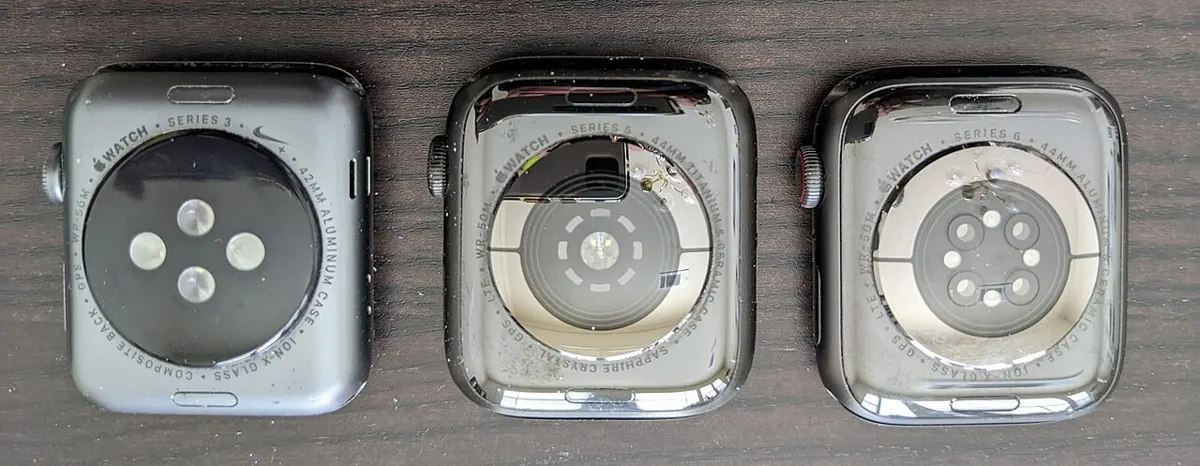
How accurate is smartwatch heart rate? What the research says
How optical heart-rate sensors in smartwatches work, how accurate they are at rest, in steady cardio and in intervals or weights, and how to get better readings.
How long do robot vacuums last? Lifespan, parts and when to replace
How many years a robot vacuum really lasts, which parts wear out first (battery, brushes, filters), replacement intervals, signs it's time to replace, and how to extend its life.
144Hz vs 240Hz: which refresh rate do you need?
60Hz vs 144Hz vs 240Hz explained: what refresh rate really changes, the frame rate your PC needs, which games benefit, and when 360Hz or 500Hz is worth it.