Apple opens Siri AI to every app developer in iOS 27.3 beta
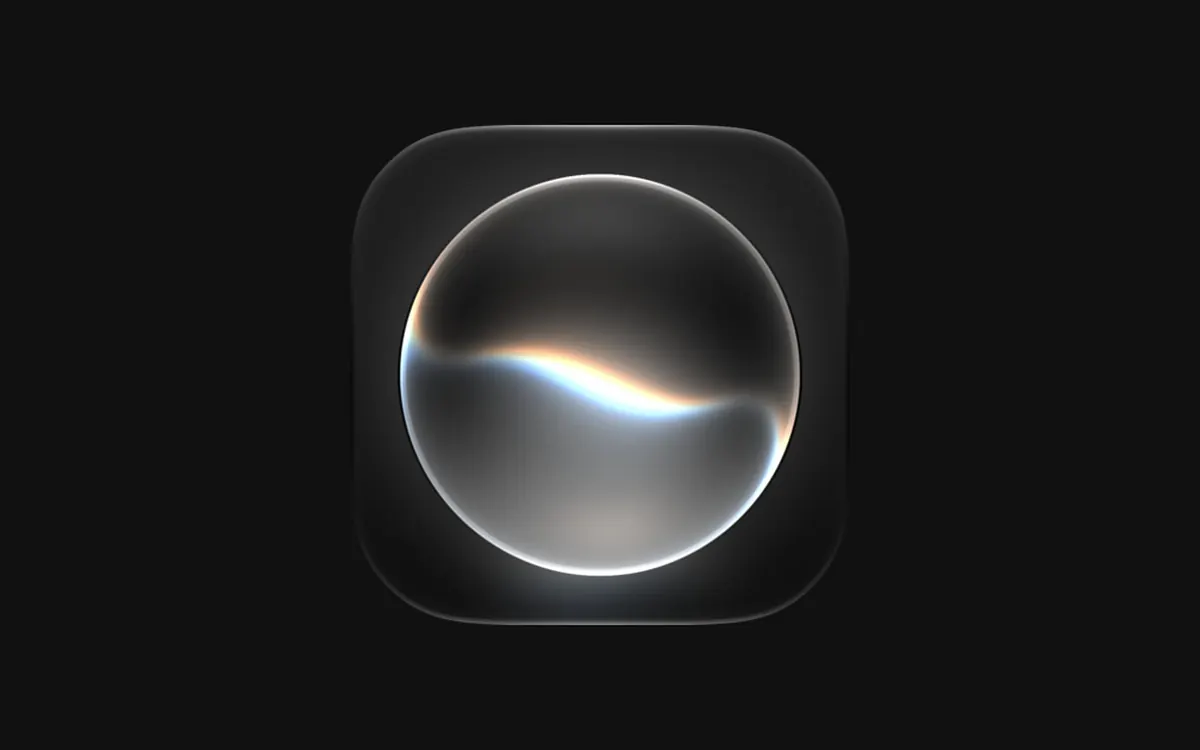
Apple's Siri AI Developer Preview lets any app plug its content and actions into Siri AI via App Intents and new 'skills'; App Store submissions open in spring.
LandGadget Newsroom · · 2 min read
On this page
Apple has opened its new Siri AI to all third-party apps — at least in beta. In a developer news post on November 3, the company said a new Developer Preview in the iOS 27.3, iPadOS 27.3, macOS 27.3 and visionOS 27.3 betas lets any developer integrate their app with Siri AI.
What developers can do
- App Intents for Siri AI. Apps can expose their content and actions so Siri AI can use them with personal context, onscreen awareness and natural language. Apple's examples: checking a delivery, booking a reservation or placing an order — just by asking.
- Skills. For complex requests, developers can "teach" Siri AI how to combine several actions into one experience.
- Wider Spotlight reach. Siri AI can now surface any entity in the Spotlight semantic index, not only those that fit an existing schema.
Apple's own apps — including Calendar, Files, Mail, Maps, Messages, Notes, Photos, Reminders, Safari and Weather — are already getting these capabilities.
When users get it
This is an early preview: Apple says the features first ship to customers "in a few months", and App Store submissions open in the spring. Siri AI needs an Apple Intelligence-enabled device and currently works in English, French, Japanese, Korean, Portuguese and Spanish. Apple notes Siri AI is still unavailable in the EU on iOS, iPadOS and watchOS, and not available to users under 13.
Wondering what the on-device AI hardware actually does? Read our explainer what is an NPU.
More from Smartphones
View all →Read next

Ethernet vs Wi‑Fi: Speed, Latency and Which to Use (2026)
Ethernet vs Wi‑Fi compared: real speed, ping and stability, when a cable is worth it for gaming, streaming and work, and what to do if you can't run one.
IPS vs VA vs OLED (and TN): which monitor panel type should you buy?
IPS vs VA vs OLED vs TN monitors compared: contrast, colour, viewing angles, response time, burn-in and price, with the best panel for gaming, work and movies.
144Hz vs 240Hz: which refresh rate do you need?
60Hz vs 144Hz vs 240Hz explained: what refresh rate really changes, the frame rate your PC needs, which games benefit, and when 360Hz or 500Hz is worth it.