Google Nest wrong time after daylight saving change in Canada: fix coming
Some Nest Hub and Nest Thermostat owners in Canada see the wrong time after the clock change, breaking alarms and schedules. Google confirms a fix is in the works.
LandGadget Newsroom · · 2 min read
On this page
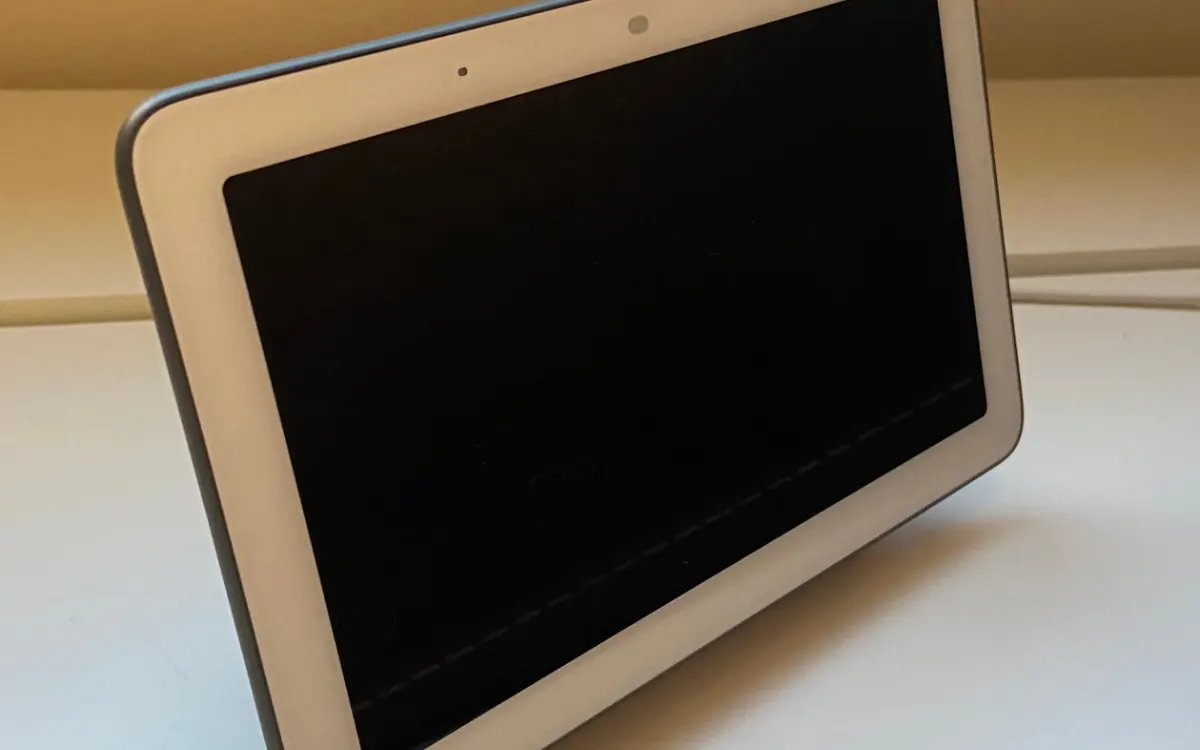
Google says it will fix Nest devices that show the wrong time after this year's daylight saving change, 9to5Google reports. Owners of Nest Hub smart displays and Nest Thermostats started reporting the problem on Reddit this week.
Who is affected
The bug hits a small subset of devices in some Canadian provinces where daylight saving time is no longer observed. Those devices still shifted their clocks — or shifted them wrongly — so they now run an hour off. It's not cosmetic: users report late alarms, delayed or broken automations and shifted thermostat schedules. On phones you can set a time zone manually, but Nest devices offer far fewer options.
Google told Android Authority: "Google is aware of an issue affecting a small subset of devices in some provinces in Canada where daylight savings is no longer observed. We apologize for any inconvenience and are actively working on a fix." As of November 4, the fix had not arrived.
What you can do now
Until the update lands, check alarm and thermostat schedule times and shift them by an hour if needed, and don't rely on time-based routines. If your home relies on schedules, it's also worth reading our smart thermostat buying guide and how local control in a smart home reduces cloud dependence.
More from Smart Home
View all →Read next
How accurate is smartwatch heart rate? What the research says
How optical heart-rate sensors in smartwatches work, how accurate they are at rest, in steady cardio and in intervals or weights, and how to get better readings.

IPS vs VA vs OLED (and TN): which monitor panel type should you buy?
IPS vs VA vs OLED vs TN monitors compared: contrast, colour, viewing angles, response time, burn-in and price, with the best panel for gaming, work and movies.
144Hz vs 240Hz: which refresh rate do you need?
60Hz vs 144Hz vs 240Hz explained: what refresh rate really changes, the frame rate your PC needs, which games benefit, and when 360Hz or 500Hz is worth it.