Bluetooth HDT adopted: LE speeds jump from 2 to 7.5 Mbps, devices in 2027
The Bluetooth SIG adopted High Data Throughput in Bluetooth Core 7.0, raising Bluetooth LE's top bit rate from 2 to 7.5 Mbps. What it means for earbuds and watches.
LandGadget Newsroom · · 2 min read
On this page
The Bluetooth Special Interest Group has formally adopted Bluetooth High Data Throughput (HDT) as an optional feature of the Bluetooth Core 7.0 specification, The Verge reports. HDT raises the maximum bit rate of Bluetooth Low Energy from 2 Mbps to 7.5 Mbps — nearly a fourfold increase.
What changes
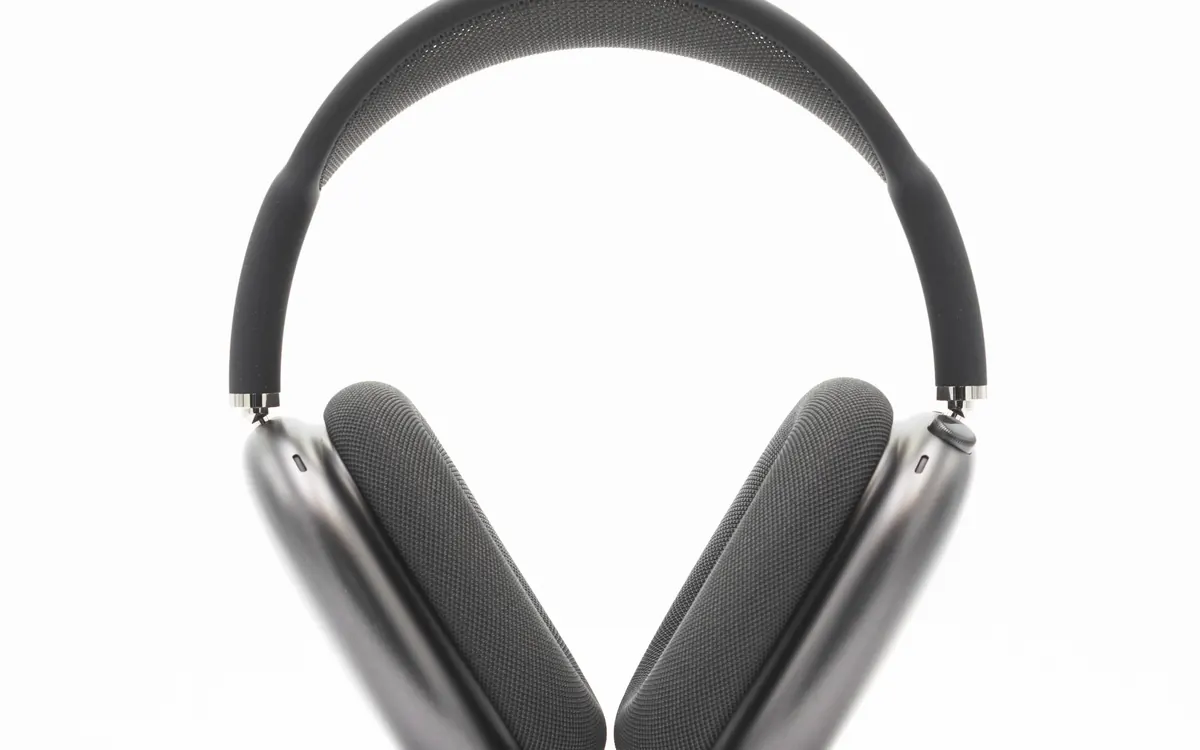
The main target is wireless audio. The extra bandwidth leaves room for high-resolution audio, spatial audio and multi-channel surround sound over standard Bluetooth LE Audio, without the proprietary codecs and formats that brands use today. The SIG also expects better reliability and battery life: moving the same data in less time means the radio can sleep longer.
Other devices benefit too. A smartwatch could sync more workout and health data to a phone without a battery penalty, and XR and spatial-computing gadgets could do more without falling back to Wi‑Fi.
When you'll get it
HDT is optional, so not every Core 7.0 device will support it. The first products are expected sometime in 2027, and you'll need HDT support on both ends — phone and earbuds. Current headphones won't gain it through an update unless the maker says so.
Why it matters
Today's best Bluetooth codecs such as LDAC top out around 990 kbps and are brand-specific. A standard 7.5 Mbps LE link could make lossless and hi-res audio work across brands. For the codecs you can use right now, see our Bluetooth codecs explained guide, and if you're shopping today, our wireless earbuds buying guide.
More from Smartphones
View all →Read next

Best Wi‑Fi Channel for 2.4 GHz and 5 GHz: How to Find and Change It (2026)
Which Wi‑Fi channel is best? Use 1, 6 or 11 on 2.4 GHz, pick the right width on 5 GHz, find the least crowded channel with a free app and change it on your router.

IPS vs VA vs OLED (and TN): which monitor panel type should you buy?
IPS vs VA vs OLED vs TN monitors compared: contrast, colour, viewing angles, response time, burn-in and price, with the best panel for gaming, work and movies.

144Hz vs 240Hz: which refresh rate do you need?
60Hz vs 144Hz vs 240Hz explained: what refresh rate really changes, the frame rate your PC needs, which games benefit, and when 360Hz or 500Hz is worth it.