Sonos app v91 adds System Health troubleshooting and one-tap Presets
Sonos app version 91 brings System Health on iPhone to diagnose speaker setups, up to 50 one-tap Presets, swipe-to-skip and an editable Featured section.
LandGadget Newsroom · · 2 min read
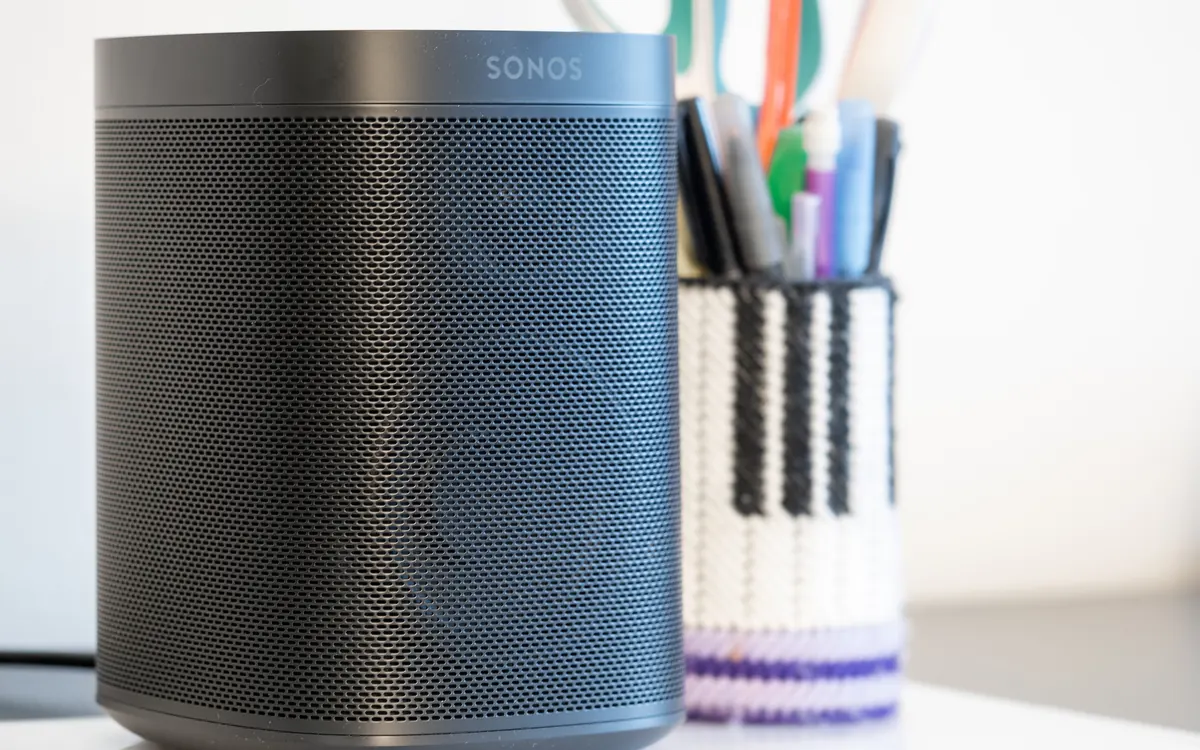
Sonos has started rolling out version 91 of its app on Android and iOS, and the headline feature should save owners some troubleshooting time. Android Authority reports that the update adds a new System Health screen and one-tap Presets.
System Health: see what's wrong with your setup
System Health gives an overview of your Sonos system — network information, how each product is connected, how many products you have and more — and is designed to make issues easier to spot and fix without hunting through forums. On iPhone it lives under Settings > Help Center > System Health. Sonos says it will reach Android in a future update.
Since many Sonos problems come down to Wi‑Fi coverage, it is worth pairing this with a look at where your router sits and whether a mesh system would help.
Presets and smaller changes
- Presets start pre-saved music in a selected room at a specific volume with a single tap. You can save up to 50.
- The Featured section can now be edited and rearranged.
- A swipe-to-skip gesture skips tracks from Now Playing or the mini player.
- Android users can reorder their list of connected services.
Sonos also repeated that its upcoming voice service is on track, with US early access planned for autumn 2026 and a wider rollout after testing — likely in 2027, though that is not confirmed.
The update is rolling out gradually, so it can take several days or weeks to arrive. Check the Play Store or App Store.
More from Smart Home
View all →Read next
How accurate is smartwatch heart rate? What the research says
How optical heart-rate sensors in smartwatches work, how accurate they are at rest, in steady cardio and in intervals or weights, and how to get better readings.
IPS vs VA vs OLED (and TN): which monitor panel type should you buy?
IPS vs VA vs OLED vs TN monitors compared: contrast, colour, viewing angles, response time, burn-in and price, with the best panel for gaming, work and movies.
144Hz vs 240Hz: which refresh rate do you need?
60Hz vs 144Hz vs 240Hz explained: what refresh rate really changes, the frame rate your PC needs, which games benefit, and when 360Hz or 500Hz is worth it.