Delta 2.0 turns iPhone Duo into a dual-screen Nintendo DS
The Delta emulator's 2.0 update uses iPhone Duo's hinge for Nintendo DS games, adds Sega Genesis support, RetroAchievements and a Liquid Glass redesign.
LandGadget Newsroom · · 2 min read
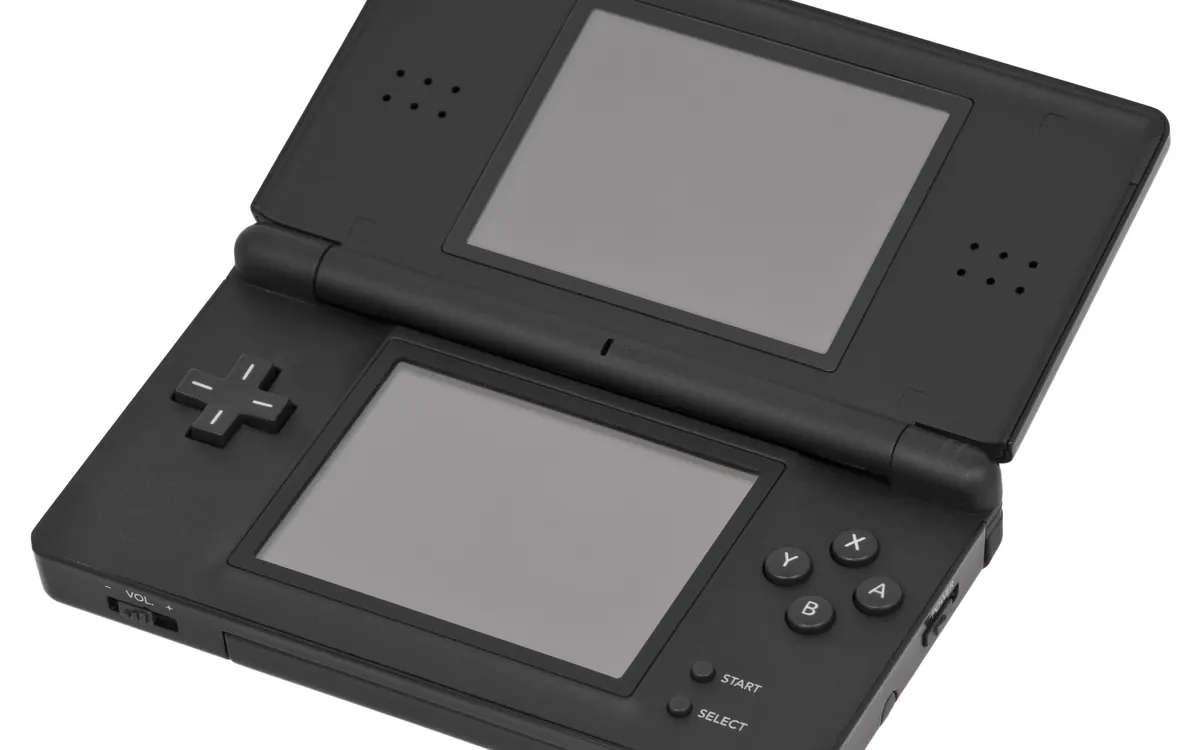
Apple's first foldable went on sale today, and one of the first apps to make real use of its hinge is a game emulator. Delta, the popular retro-console emulator for iOS, has released version 2.0 with dedicated support for iPhone Duo, as Android Authority reports based on the developers' announcement on Bluesky.
A Nintendo DS that folds
Emulating the Nintendo DS on an ordinary phone has always been awkward. The console had two screens, one of them a touchscreen, so on a flat slab of glass you either shrink both screens into one tall image or cover the game with virtual buttons.
Delta 2.0 uses the iPhone Duo's book-style fold to get around that. Prop the phone half-folded in a tabletop position and the top half becomes the main game screen, while the lower half turns into the touch panel and controls. That is much closer to how the original handheld was held. You can also use an Apple Pencil as the stylus, the way DS games were designed to be played.
Android owners have had similar tricks on book-style foldables such as the Galaxy Z Fold 8; now iPhone users get the same idea in a polished, App Store-approved app. If you just bought the phone, our guide to buying iPhone Duo on launch day covers what to check first.
What else is new in Delta 2.0
- Sega Genesis support, with cheat codes, save states and custom controller skins.
- RetroAchievements integration, which adds achievement lists to classic games.
- A redesign in Apple's Liquid Glass style.
The update is available now on the App Store worldwide and on AltStore PAL in the EU.
A note on games
Delta is an emulator, not a game store. It does not ship with any commercial games, so you need to supply your own game files. Make sure you have the right to use them where you live.
If you would rather play with physical buttons, a controller makes a big difference with any emulator. Our controller buying guide explains what to look for, and we also covered Microsoft's compact Xbox Nano controller.
Early iPhone Duo reviews flagged that many apps were not yet optimised for the foldable screen. Updates like this one are how that gap closes.
More from Gaming
View all →Read next
How to buy a used graphics card safely: a 2026 checklist
How to buy a used graphics card without getting burned: where to buy, fair prices, seller questions, physical checks, stress tests, fake GPUs and warranty.
How to spot fake apps on Google Play before you install
Fake WhatsApp, Chrome and banking apps keep slipping onto Google Play. Learn the checks that expose a clone: developer, downloads, reviews, ads, permissions, Play Protect.

Seattle will add up to 200 curbside EV chargers by 2030
Seattle is letting residents pick sites for up to 200 new curbside Level 2 EV chargers near apartments, with installs from fall 2027 to 2030.