How to choose a robot vacuum in 2026
Navigation, suction vs brushes, mop lift, self-empty docks and pet hair — what actually matters before you buy a robot vacuum.
On this page
Robot vacuums look similar in product photos. The useful differences show up in how you live: carpets vs hard floors, pets, clutter, and how often you want to empty a bin.
Start with your floors and layout
- Hard floors only — even mid-range models usually cope; prioritise edge cleaning and a mop if you want wet wipe-downs.
- Mixed floors with rugs — look for mop lifting so a wet pad does not drag across carpet, and check the maximum threshold height the robot can climb.
- Thick carpet or long pile — brush design and carpet boost matter more than a headline Pa suction number.
- Low sofas and cabinets — measure clearance; many robots need 9–10 cm or more.
Navigation: LiDAR, cameras and “smart” mapping
Most serious 2020s robots use LiDAR (a spinning laser turret) or a camera/AI stack to build a map. LiDAR tends to map dark rooms more reliably; camera systems can recognise objects (cables, socks, pet waste) but need enough light. Either way, check that the app lets you:
- Draw no-go zones and virtual walls.
- Set room-by-room schedules.
- Save multi-floor maps if you carry the robot upstairs.
Avoid relying on random-bounce “clean until battery dies” models unless the flat is tiny and you accept incomplete coverage.
Suction numbers are not the whole story
Manufacturers quote suction in Pa. Treat that as marketing unless you see side-by-side tests for carpet embedded dirt, edge pickup and pet hair. Dual rubber rollers often tangle less than a single bristle brush around long hair. A good seal and brush design can beat a higher Pa figure on real carpets.
Mopping: basic wipe vs dock that washes pads
- Pad that drags damp — fine for dust on tile; weak on dried spills.
- Vibrating or spinning mop — usually better on stuck-on dirt.
- Auto mop wash/dry in the dock — less daily maintenance if you mop often; docks are larger and cost more.
- Auto hot-water wash / self-refill — convenience features; verify what your water hardness and plumbing allow before paying for them.
If you mostly vacuum and rarely mop, do not overspend on a flagship mop dock.
Self-empty bases and bag costs
A self-empty dock sucks the robot’s bin into a bag or dustbin so you empty every few weeks instead of every run. Check:
- Bag vs bagless (bags cost money; bagless needs careful emptying).
- Claimed days between empties (often optimistic with pets).
- Noise — docks can be loud for apartments.
Pets, cables and obstacle avoidance
For shedding pets, prioritise anti-tangle brushes, strong obstacle avoidance and a sealed HEPA-style path if anyone has allergies (confirm filter type in the spec sheet). Object avoidance that skips charging cables and pet accidents saves cleanup and motor stress — read recent owner reports for your exact model year, because firmware changes behaviour over time.
Battery, noise and support
- Runtime on carpet with mop engaged is shorter than the max quiet-mode figure on hard floors.
- Check replacement part availability (brushes, filters, bags, side brushes) and software update history.
- Prefer brands with clear warranty terms in your country.
A simple shortlist process
- Measure door thresholds and sofa clearance.
- Decide: vacuum-only, occasional mop, or daily mop with a washing dock.
- Require LiDAR or proven camera mapping plus no-go zones.
- Shortlist two or three models and compare independent carpet/edge tests — not just Pa charts.
- Add the yearly cost of bags, pads and filters to the sticker price.
The bottom line
Buy for your floors, pets and how often you will maintain the dock — not for the biggest suction number on the box. A mid-range robot you empty and map properly usually beats a neglected flagship.
Keep reading
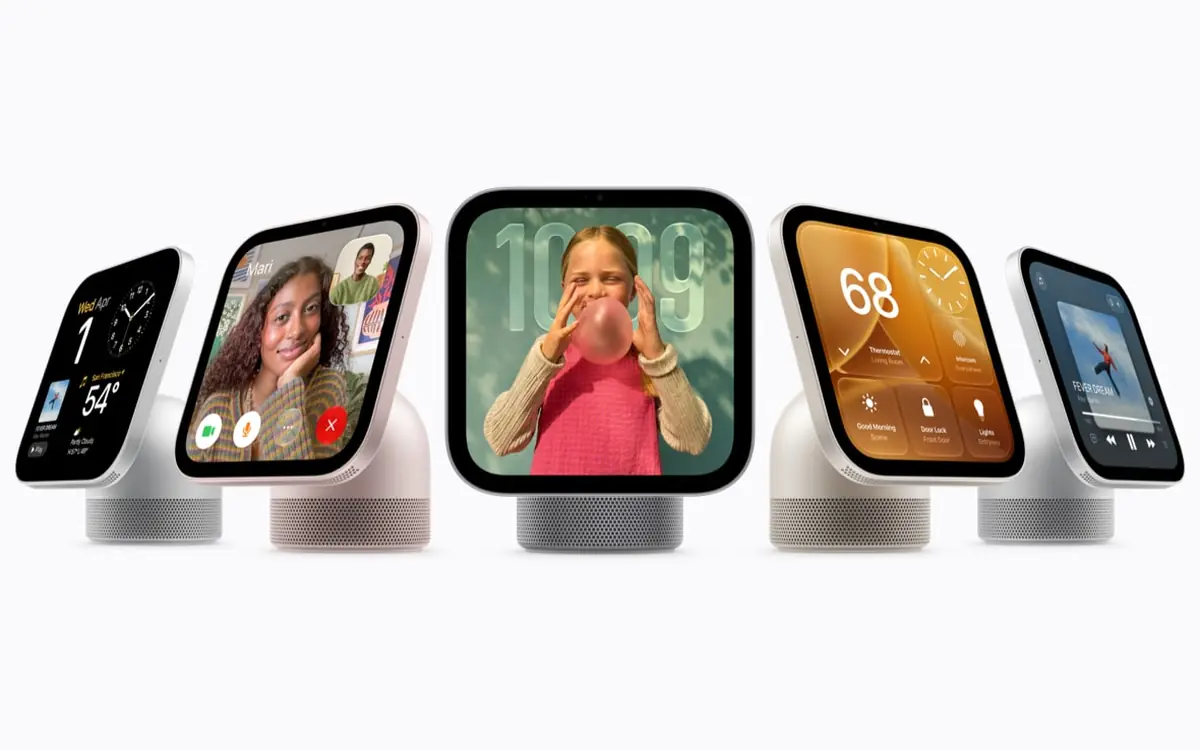
Apple HomeView is a $299 smart display with Siri AI and face recognition
Apple's first smart display has a 7-inch screen, recognises up to six people and runs the new Siri AI. Pre-orders are open now; it ships 13 November, but not in the EU.
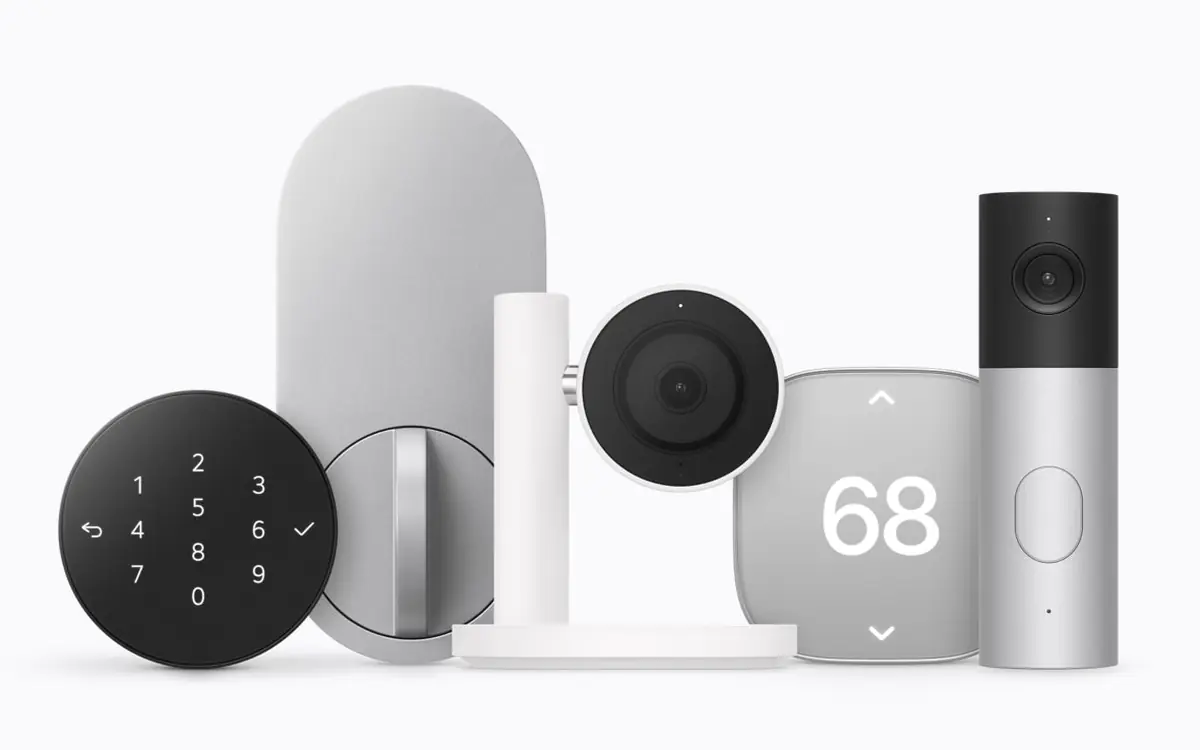
Apple Home Collection: a doorbell, lock, cameras and thermostats made with LG and Schneider
Apple's new smart home lineup, co-developed with LG and Schneider Electric, sets up with one tap and lives in the Home app. Prices start at $39.95; sales begin in December.
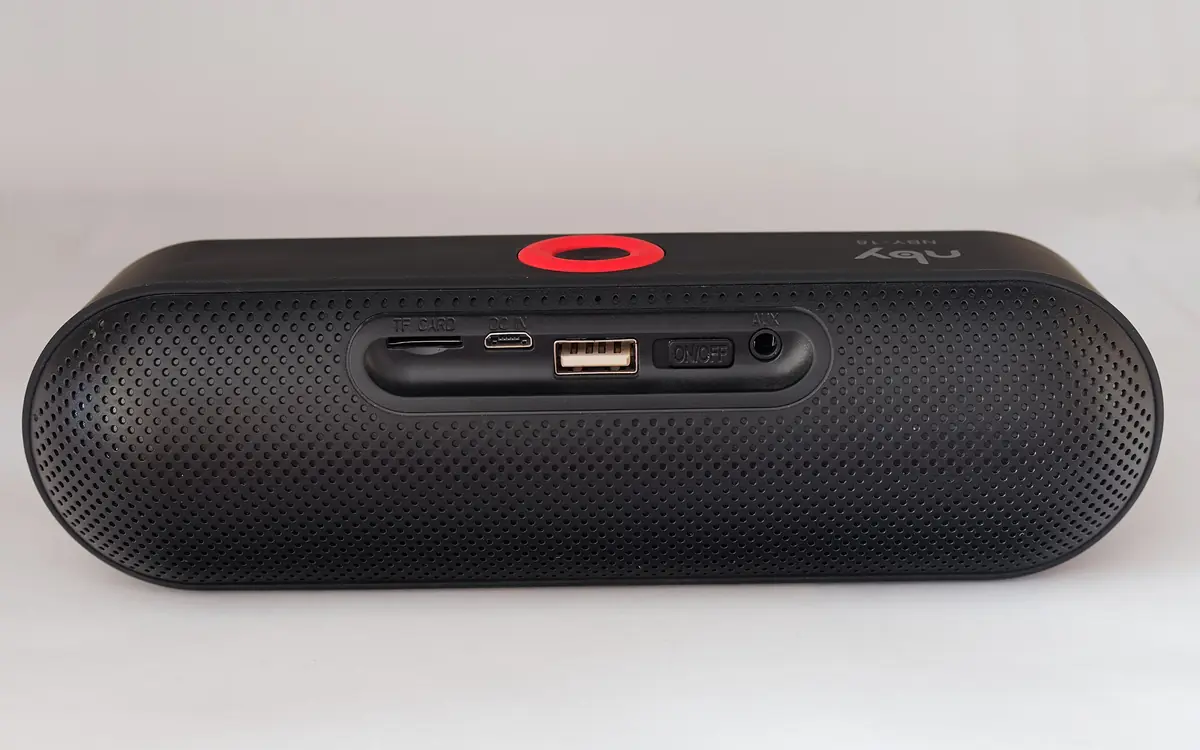
CMF, Nothing's budget brand, launches its first speakers: Speaker M and Speaker S
Both Bluetooth speakers are IP68-rated, use Bluetooth 6.0 and promise up to 18 hours of playback, priced at $109 and $59.