How to choose a USB‑C charger (without overpaying)
Watts, USB Power Delivery, PPS, GaN and cables — what each term means and how to pick a charger that suits all your devices.
On this page
USB‑C has made charging simpler, but the labels on chargers can still be confusing. Here's what actually matters when you buy one.
Start with the wattage your devices need
Every device draws power up to a maximum it negotiates with the charger. A charger rated higher than your device needs is safe — the device only takes what it can use. A charger rated lower will still work in most cases, just more slowly.
- Phones typically charge at roughly 15–45 W, depending on the model.
- Tablets and small laptops often use 30–65 W.
- Larger laptops may want 90–140 W or more.
Check your device's specifications or the charger that came in the box, and buy for the most demanding device you'll plug in.
USB Power Delivery is the standard to look for
USB Power Delivery (USB PD) is the official USB standard for fast charging over USB‑C. It lets the charger and device agree on a voltage and current. Most modern phones, tablets and laptops support it, so a USB PD charger is the safest universal choice.
What about PPS?
Programmable Power Supply (PPS) is an optional part of USB PD that allows fine-grained voltage adjustments. Some phones — notably many Samsung models — only reach their fastest "super fast charging" speeds with a PPS-capable charger. If you own one, look for PPS on the spec sheet.
Multi-port chargers share their power
A 100 W charger with three ports rarely gives 100 W to each port. The total is split, and the split often changes when you plug in a second device. Look for the manufacturer's per-port table to see what you'll actually get with two or three devices connected.
GaN: smaller, not magic
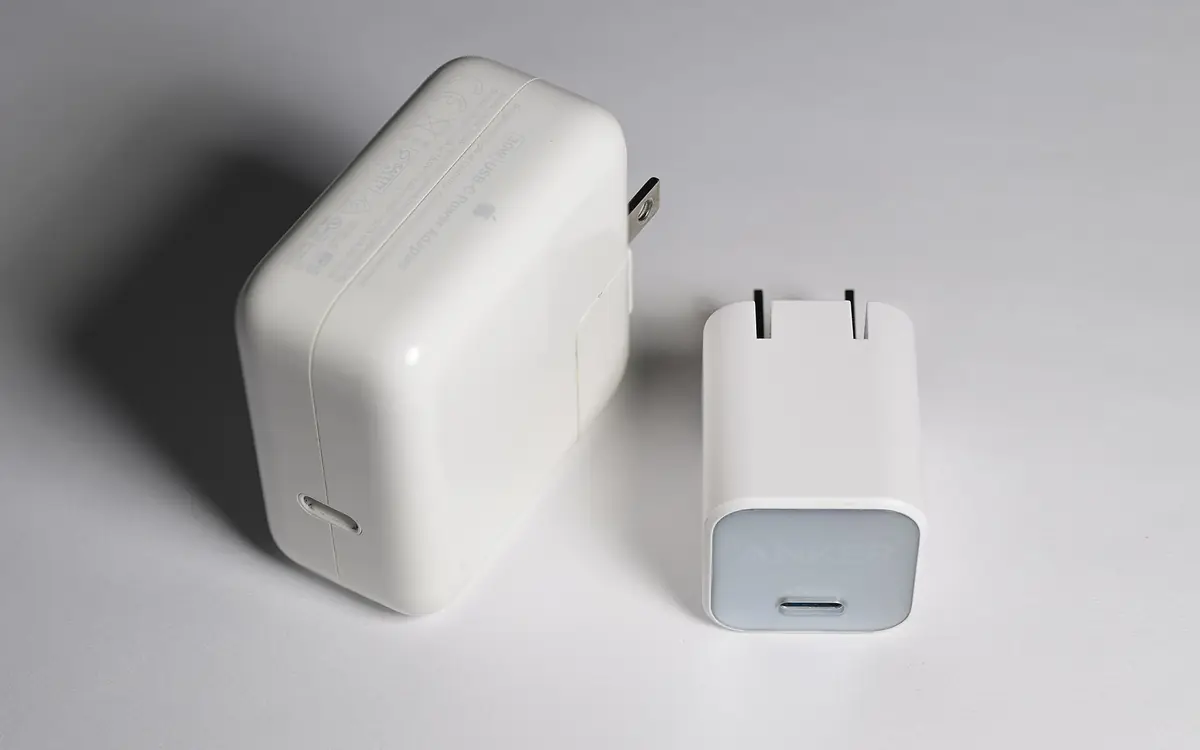
Chargers built with gallium nitride (GaN) components can be smaller and run cooler than older silicon designs at the same wattage. GaN is a good sign of a modern design, but it doesn't make your device charge faster on its own — wattage and protocol support still decide that.
Don't forget the cable
The cable is part of the charging chain:
- Standard USB‑C cables are rated for up to 60 W (3 A).
- For more than 60 W you need a cable rated for 5 A, which contains an e‑marker chip — usually labeled 100 W or 240 W.
- The newest USB PD "Extended Power Range" supports up to 240 W, which also requires a 240 W-rated cable.
A quick checklist
- Find the highest wattage among the devices you'll charge.
- Choose a charger that supports USB PD (and PPS if your phone uses it).
- For multi-port chargers, check the per-port power table.
- Pair it with a cable rated for the wattage you need.
- Buy from a reputable brand with proper safety certification for your region.
Keep reading

Google Play lets you run private AI-built Android apps without a developer account
Build a personal app in Google AI Studio and launch it on your phone via Play. It stays private, separate from the public catalog, starting in the U.S. for users 18+.

Ray-Ban Meta Audio, Meta's first audio glasses, go on sale from $349
Meta's lightest AI glasses weigh 43 g, last up to 12 hours per charge and come in Clubmaster and Burbank styles, all available with prescription lenses.
OPPO ColorOS 17 launches globally with Living Flow Design and agentic AI
ColorOS 17 debuts on the Find X10 Series with a unified rendering engine, AI Mind Pilot Agent Mode and a progressive rollout to more OPPO phones.